
Personalize with Fills and Computations#
In this lesson you insert an earlier answer into a question’s text, and derive a yearly cost from the monthly cost. At the end you will see the personalized text render live in the preview.
The video below performs every step in this lesson.
Add a Question with a Fill#
Open the
Meridian Internet Access Surveyand its Internet use section.Add a Multiple Choice question above the comments question and name it
netsat. Create a code list withVery satisfied,Somewhat satisfied,Neither satisfied nor dissatisfied,Somewhat dissatisfied, andVery dissatisfied.As its question text, type:
How satisfied are you with your {{connection_type}} service?. The double braces mark a fill token.In the question’s editor, open the Text Replacement tab and add the token: Token
connection_type, DescriptionThe household's connection type.Back on the canvas, the token renders as an amber chip: declared, but not yet bound.
Bind the Fill#
Click the input indicator on the
netsatcard to open the Inputs dialog.Bind the
connection_typeinput to theconntypeanswer.Click Save. The chip turns blue.
Derive the Annual Cost#
Add a Computation below the cost question and open its editor.
Name it
ANNUALCOSTand label itDerived annual internet cost.On the Outputs tab, add a field named
ANNUALCOSTand set its Representation Type to Numeric.On the Inputs tab, add an input and choose the
netcostanswer.On the Expression tab, add a step, assign it to the
ANNUALCOSTfield, and choose the Multiplication function. Set the first value to reference thenetcostinput, and the second to the number12.Save with Ctrl+S.
See It Live#
Open the Household section and switch to Split.
Answer Yes and click Continue.
Choose
Fibreas the connection type. The satisfaction question now reads “How satisfied are you with your Fibre service?”.
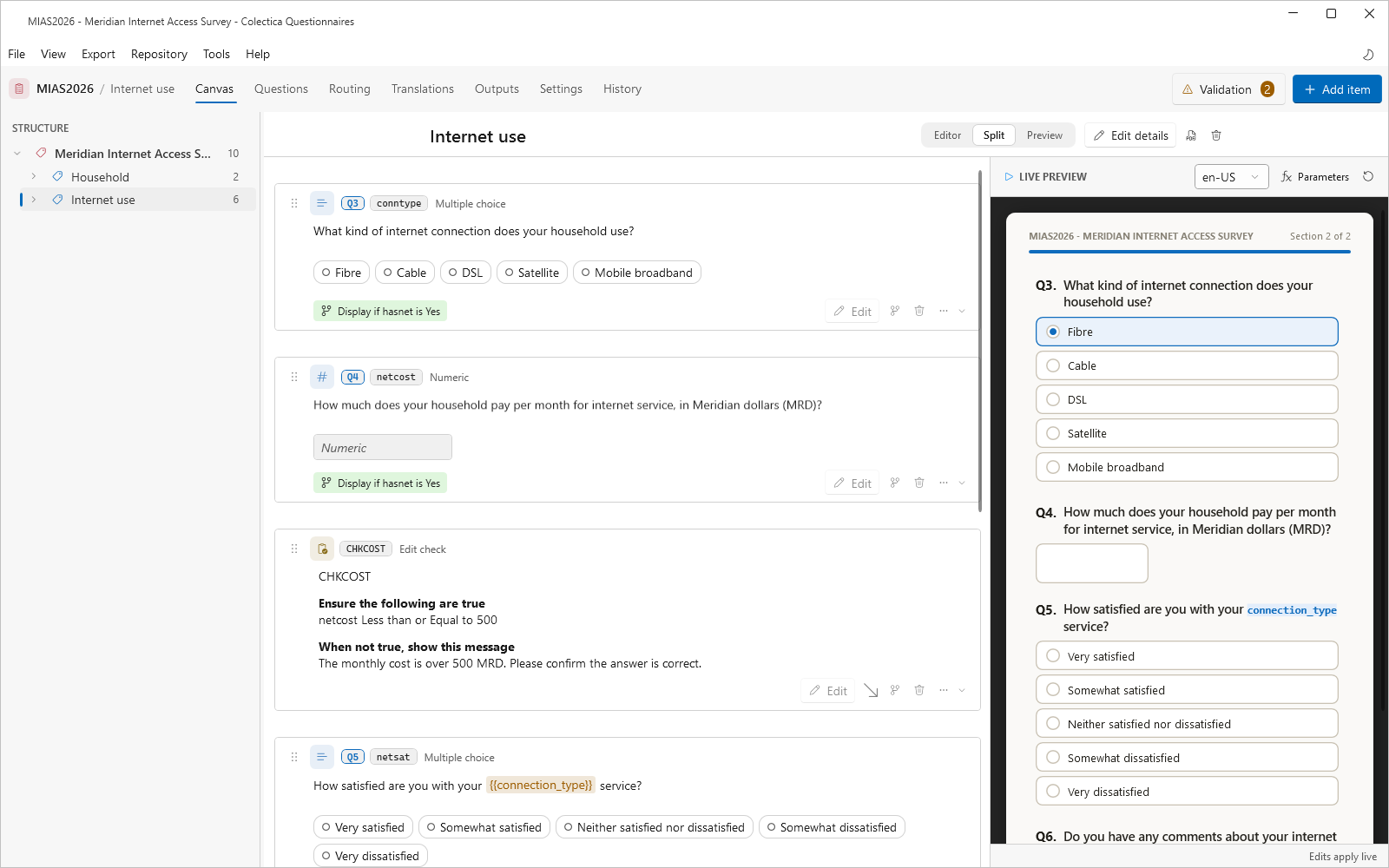
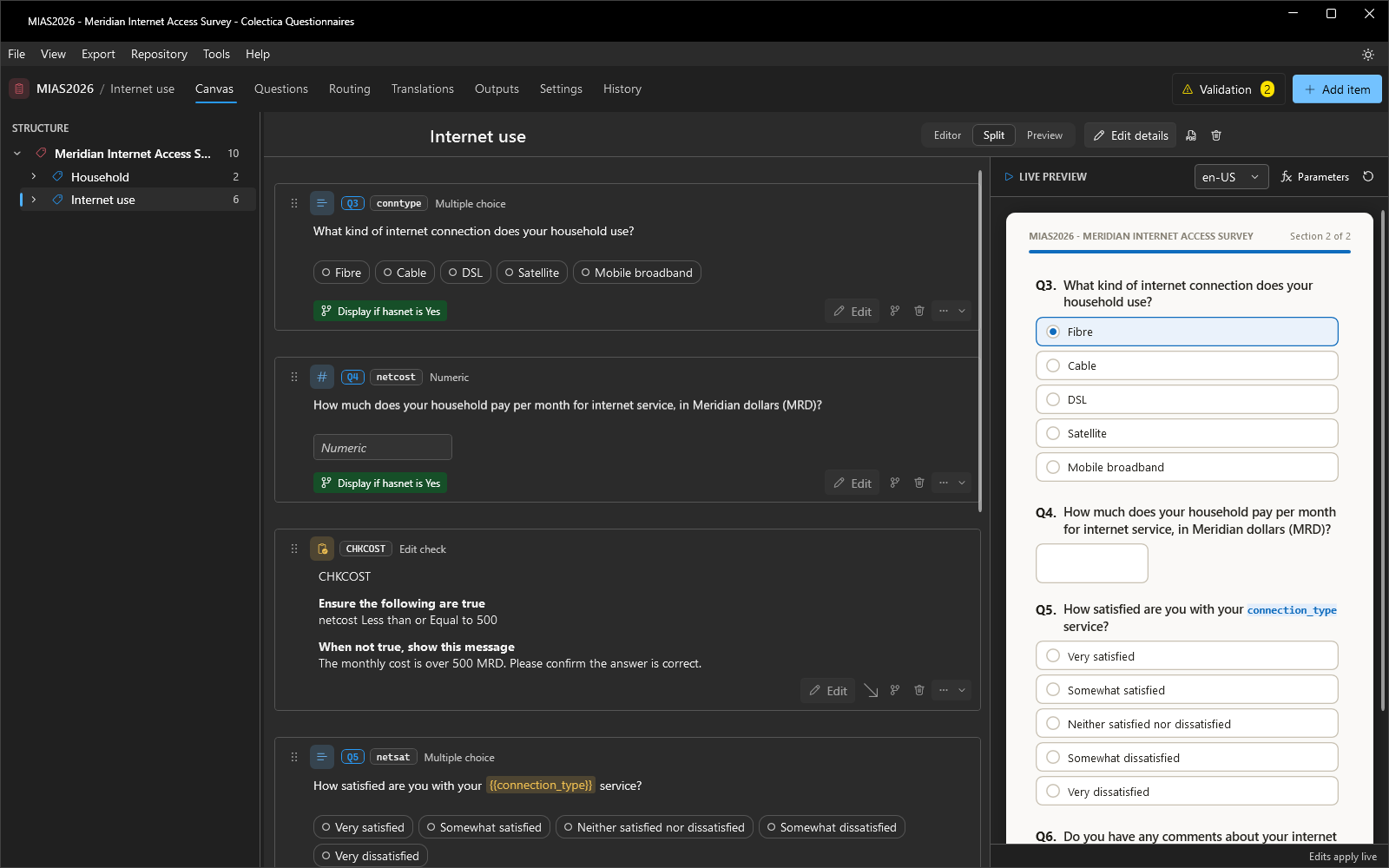
Enter a monthly cost and watch the derived annual cost on the computation’s card in the preview, or open the Scenario tray from the preview header to see it listed under Variables.
Switch back to Editor.
The survey now adapts its wording to earlier answers and derives a value no one was asked for.
See also
Next lesson: Translate Your Survey.