
View History and Compare Versions#
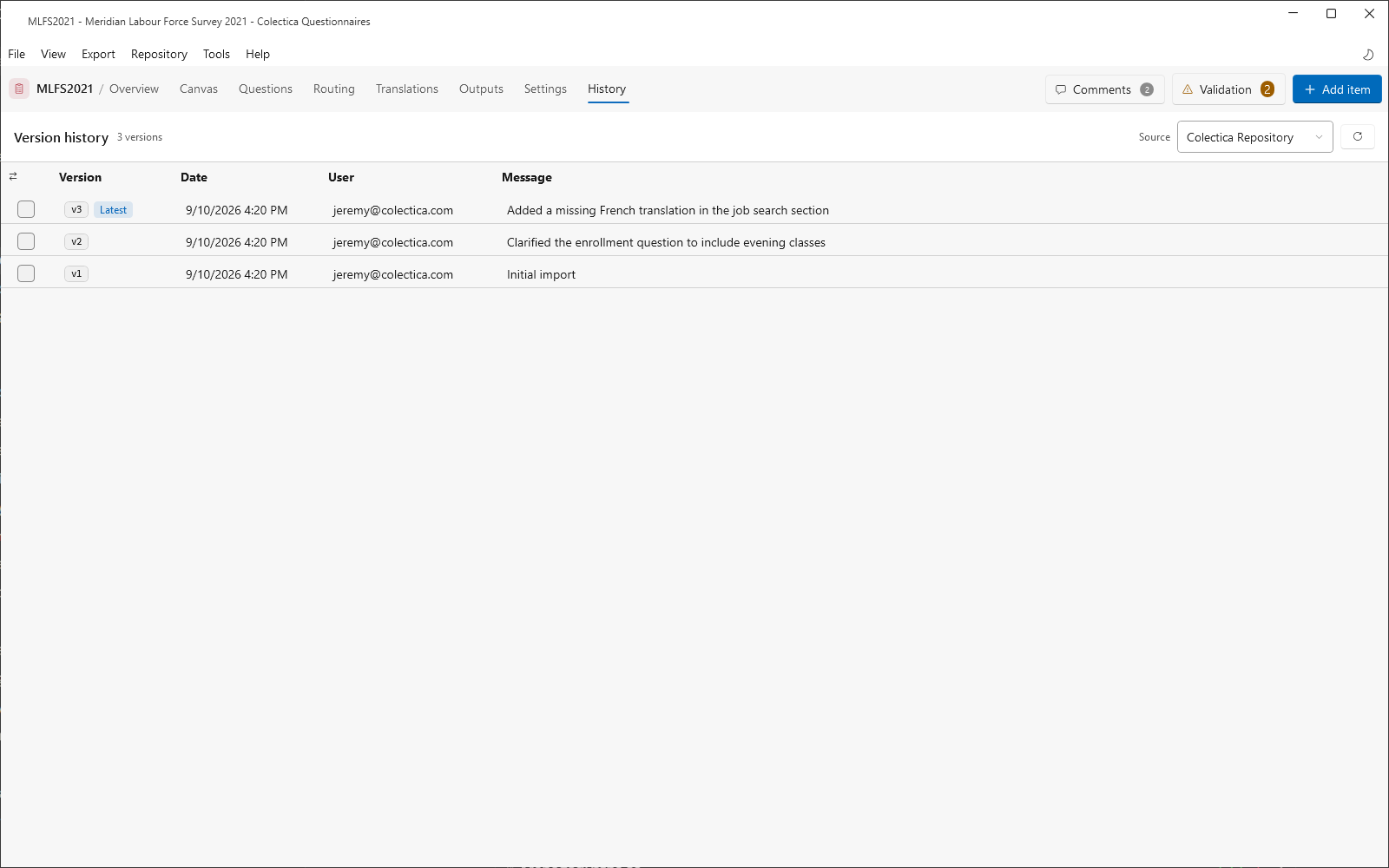
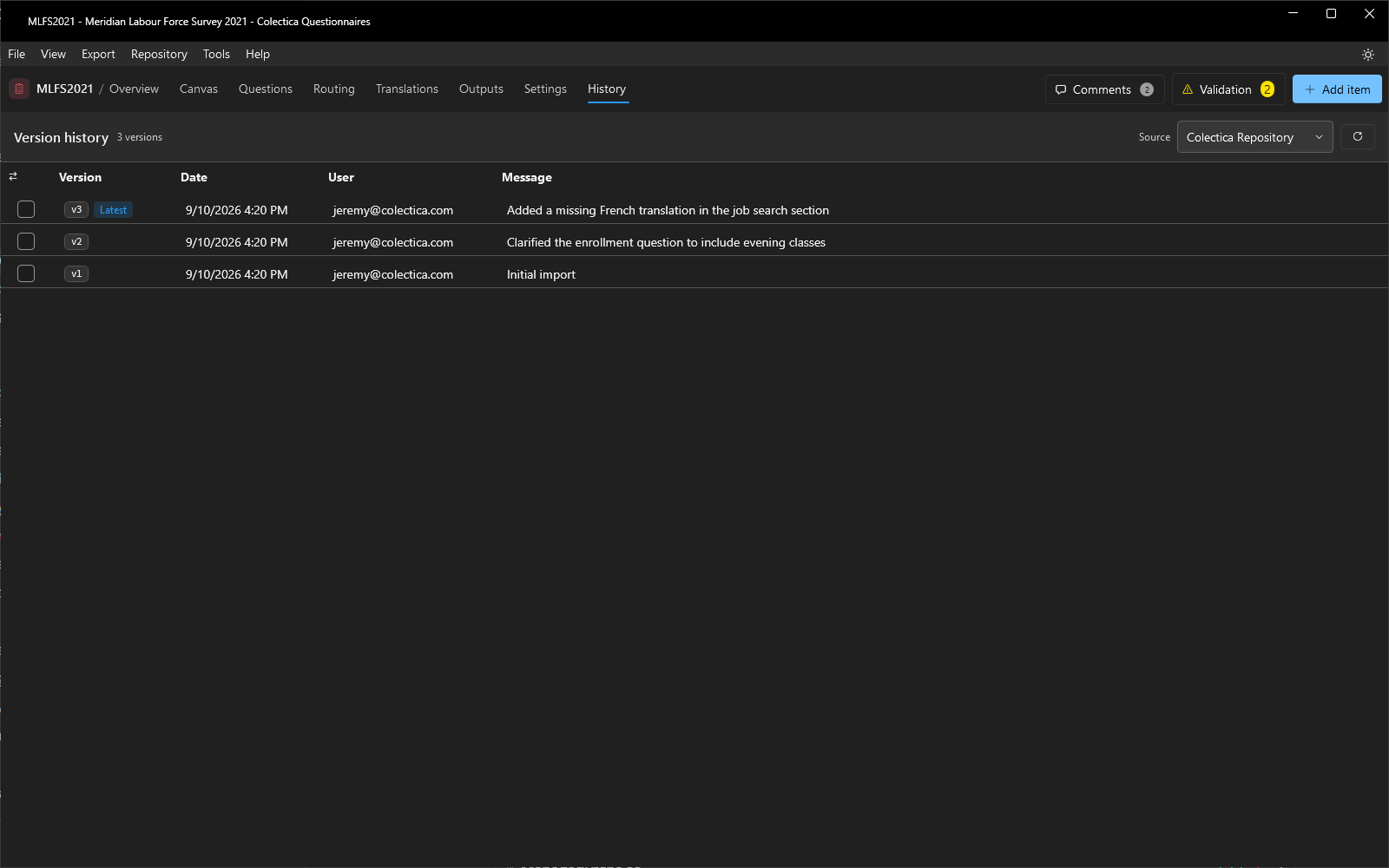
Every publish creates a version in the repository, with a date, a user, and the publish message. The History page lists them, and the Compare page reports the differences between any two.
View the History#
Open the History page.
Choose the Source: a repository for its published versions, or This computer for the local working copy.
Read each version’s date, user, and message.
Compare Two Versions#
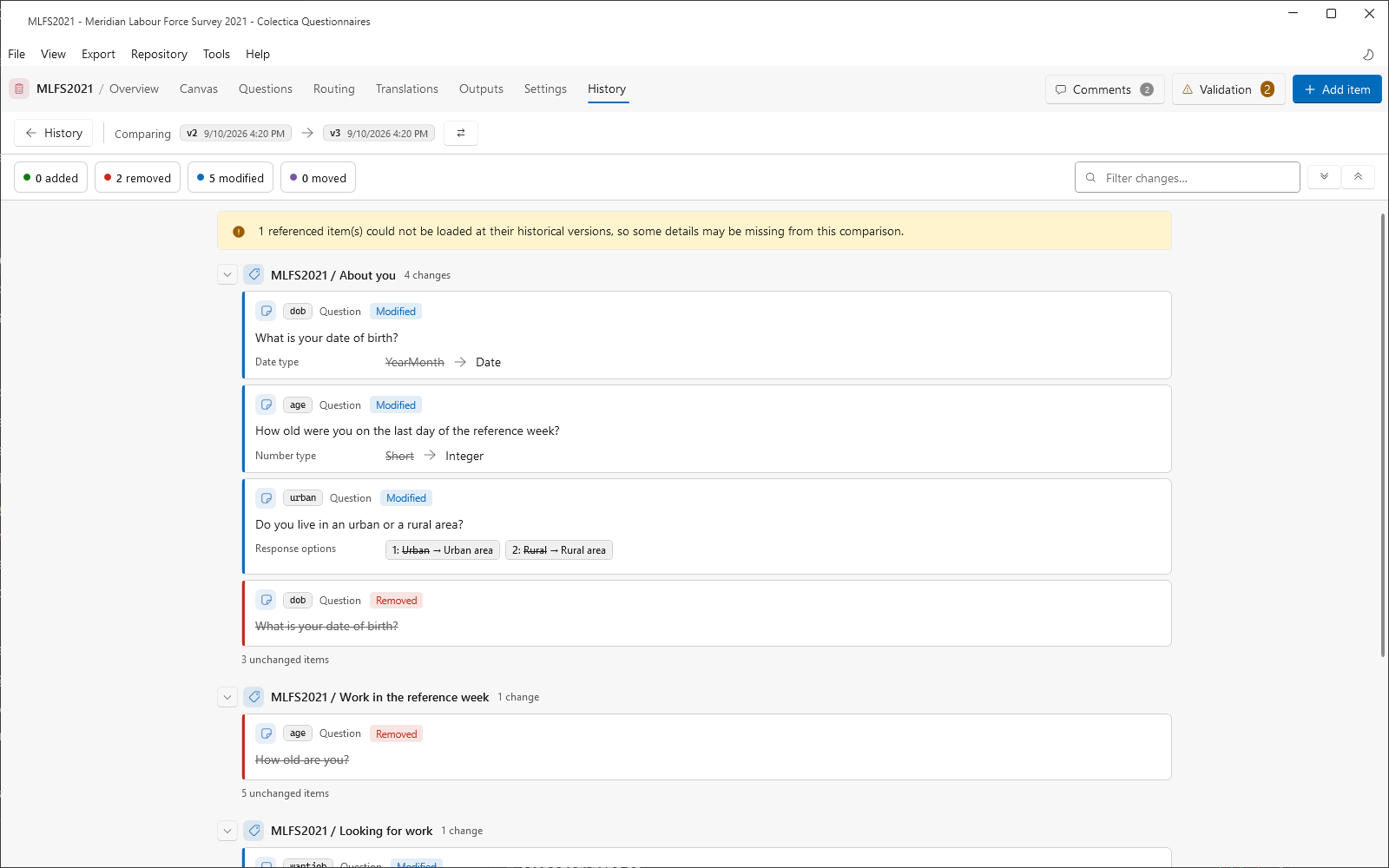
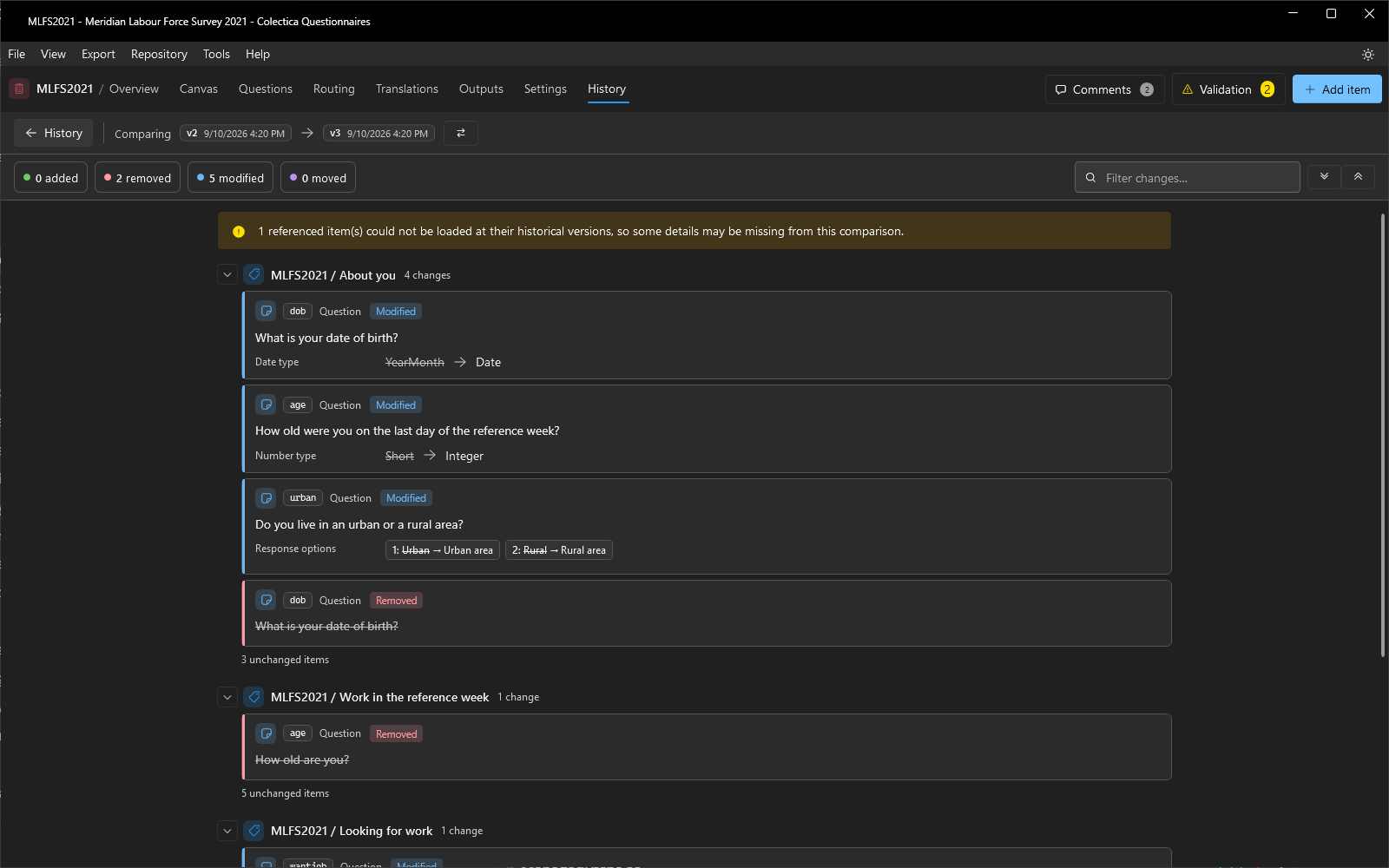
Hover over a version and click Compare with previous, or check two versions and click Compare versions.
On the Compare page, filter with the added, removed, modified, and moved chips, or the text filter.
Read the change cards; modified text shows its differences word by word.
Swap the old and new sides with the swap button; return with the History back button.
See also
History and Compare describes both pages in detail. How Surveys Are Stored and Versioned explains how versions come to be.