
Trace and Fix Routing#
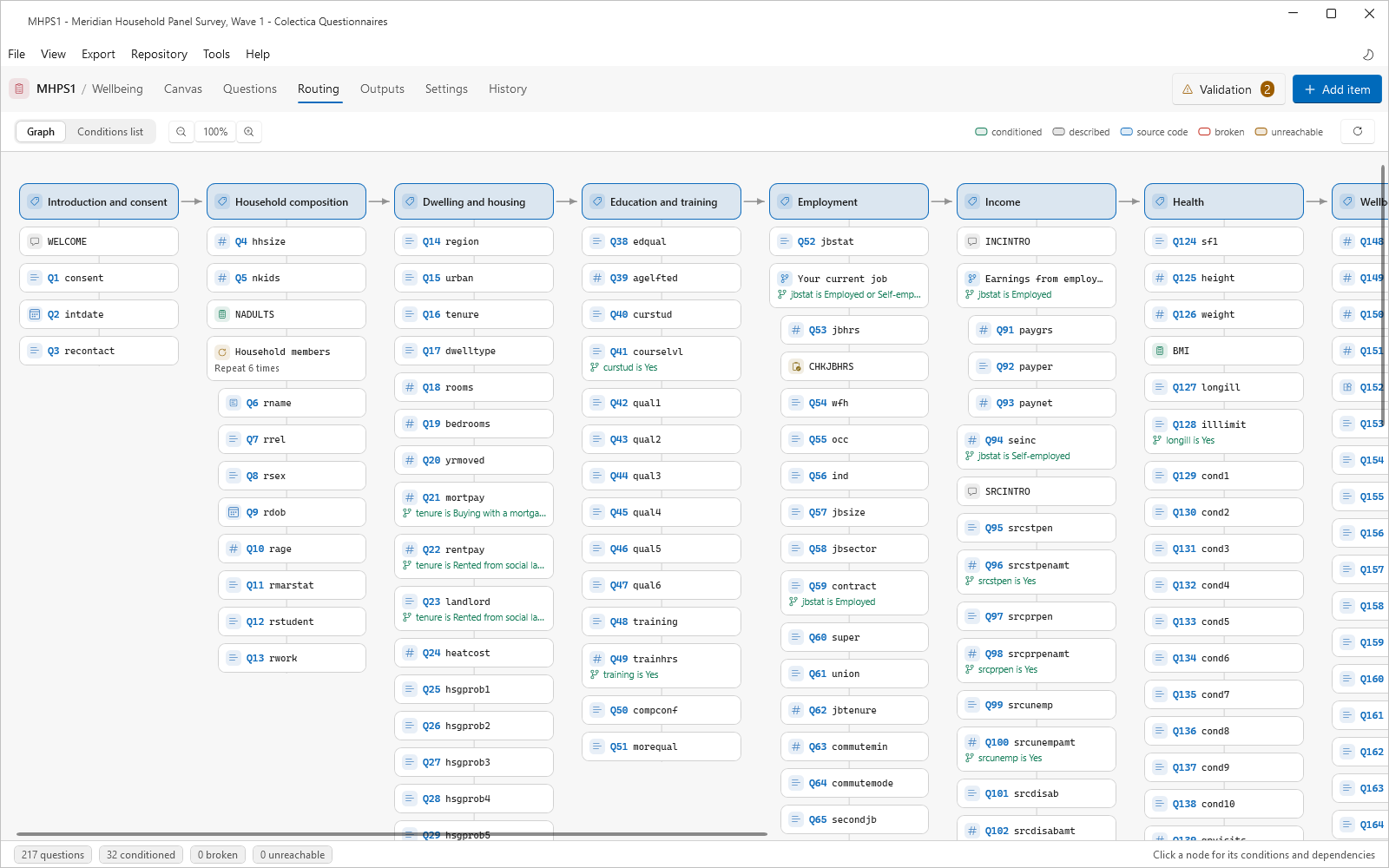
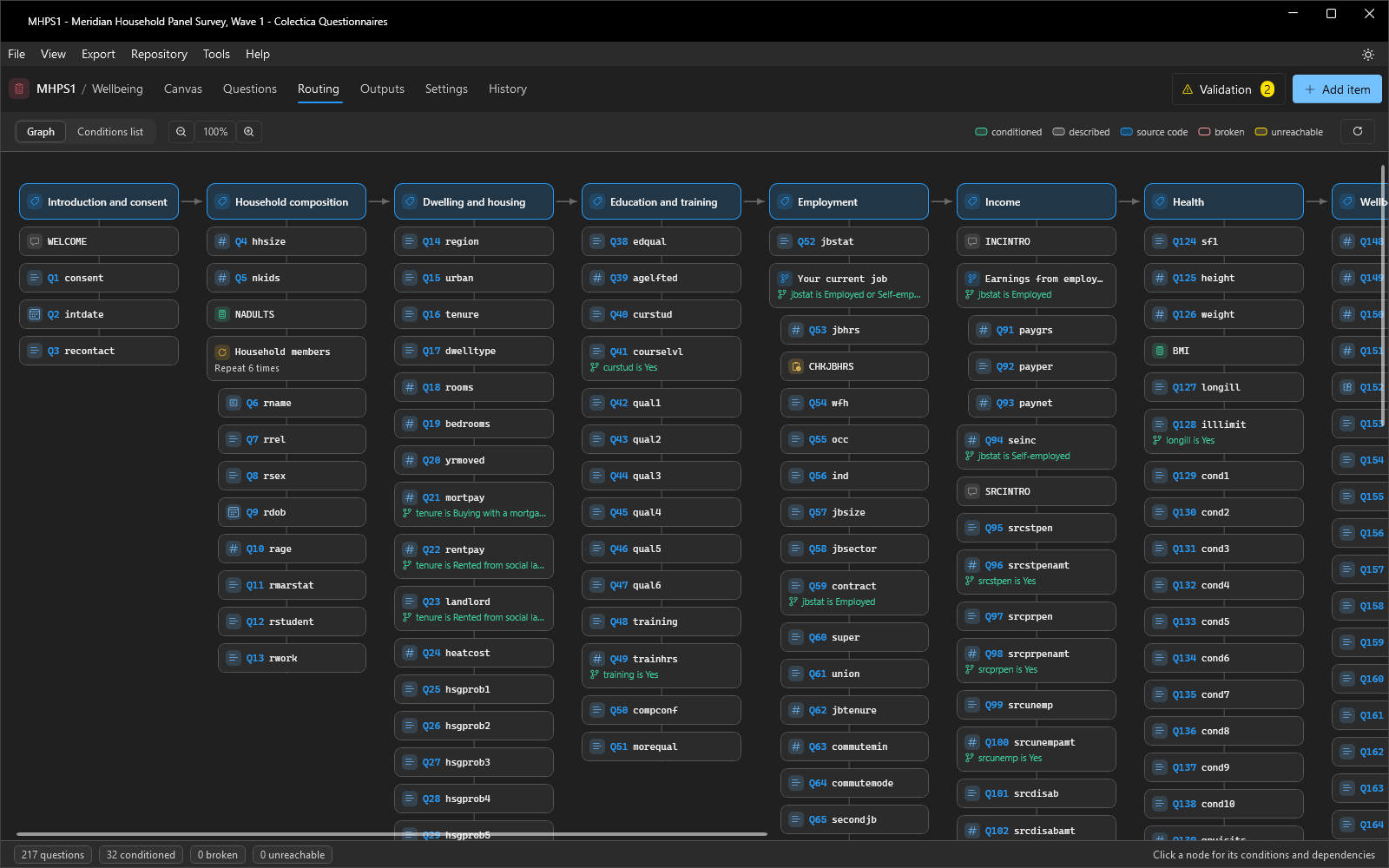
The Routing page shows every condition in the survey and the answers it depends on.
Read the Graph#
Open the Routing page.
Each column is a section; edges connect conditions to the answers they read.
Use the legend to spot the states: conditioned, described, source code, broken, and unreachable.
Zoom with the buttons or Ctrl and the mouse wheel.
Inspect an Item#
Click a node to open its panel.
Read Asked when for the conditions that must hold, Depends on for the answers the condition reads, and Gates for the items this answer controls.
Click Edit to open the item’s editor, or Open in canvas to jump to its card.
Fix Problems#
A broken item has a formal condition whose subject no longer resolves, usually because the source question was deleted or moved after it; open the condition and rebind the subject.
An unreachable item can never be asked because its conditions cannot all hold; revise the logic or the item order.
Switch to the Conditions list to audit every condition top to bottom.
The footer counts the survey’s conditioned, broken, and unreachable items; zero broken and zero unreachable is the goal.
See also
Routing Page describes every element of the page.