
Translations Page#
The Translations page presents every translatable string in the survey as one table, so a translator can work top to bottom without opening item editors. The page appears in the navigation bar when the survey has two or more languages; languages are managed on the survey’s Settings page.
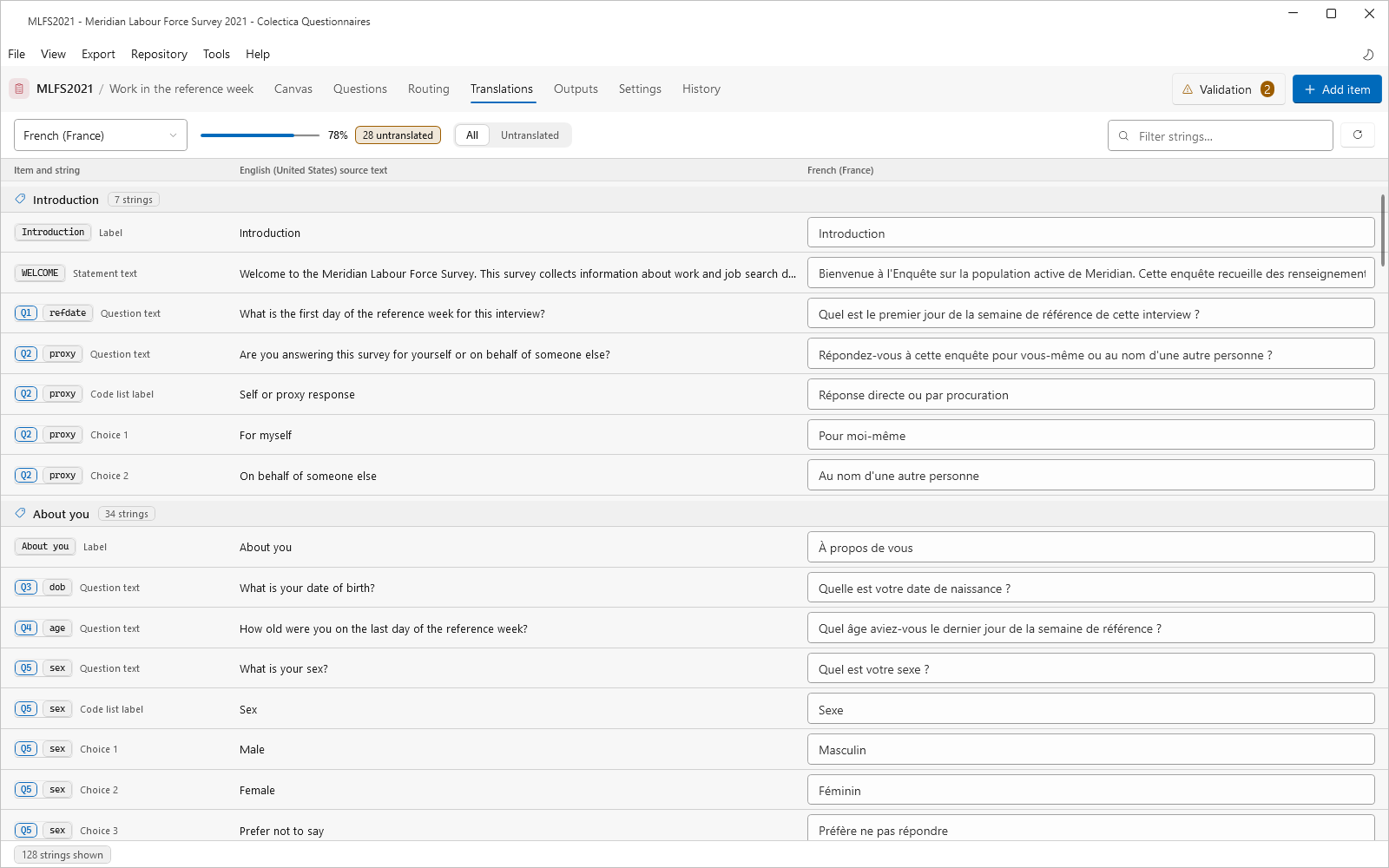
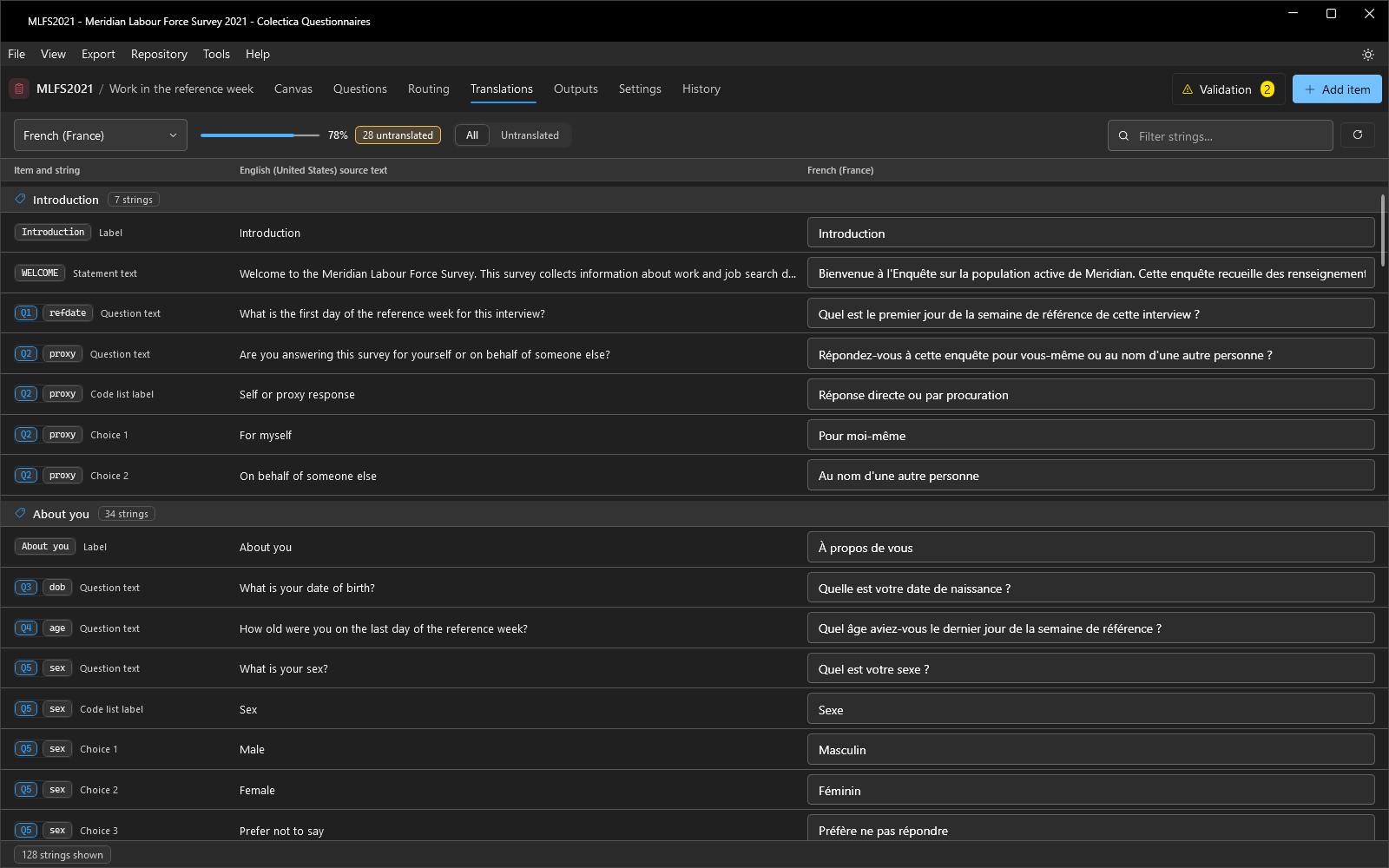
The header offers a target-language dropdown, a completion bar with the untranslated count, an All and Untranslated filter, a text filter, and a refresh button. The source column always shows the survey’s first language; the first language is the source language for all translation.
Rows are grouped by section, with a count chip per group. Each row shows the item’s name chip, the question’s number where the item is a question, the kind of string, the source text, and an editable target text box. The name chip opens the item on the canvas. An amber border marks untranslated rows. The text boxes follow the target language’s writing direction and spell checking.
Edits write directly into the survey and are saved with the normal save, including automatically when leaving the page.
The table covers every string the item editors expose, including question text, instructions, labels, descriptions, statement text, edit check messages, roster member labels, condition descriptions, answer labels, choice, row, and column labels, scale anchors, and code list labels and descriptions. A shared code list appears once, not once per question that uses it. A row exists only when the source language has text for the string.
See also
For directions, see Translate a Survey; for the language model, see Source Language and Translations.