
Routing Page#
The Routing page visualizes the survey’s flow and every condition in it. A segmented switch selects between the Graph and the Conditions list.
Graph Mode#
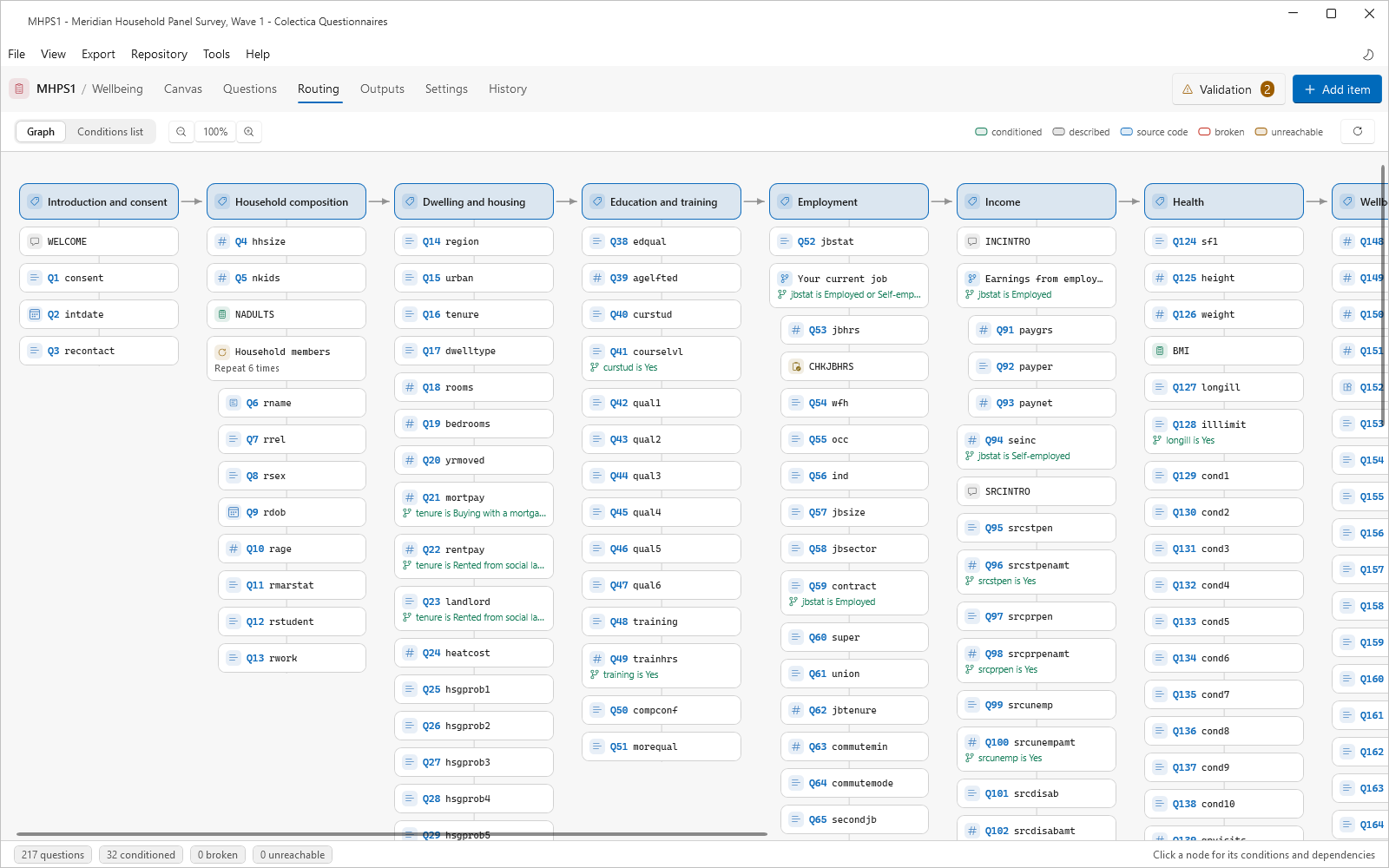
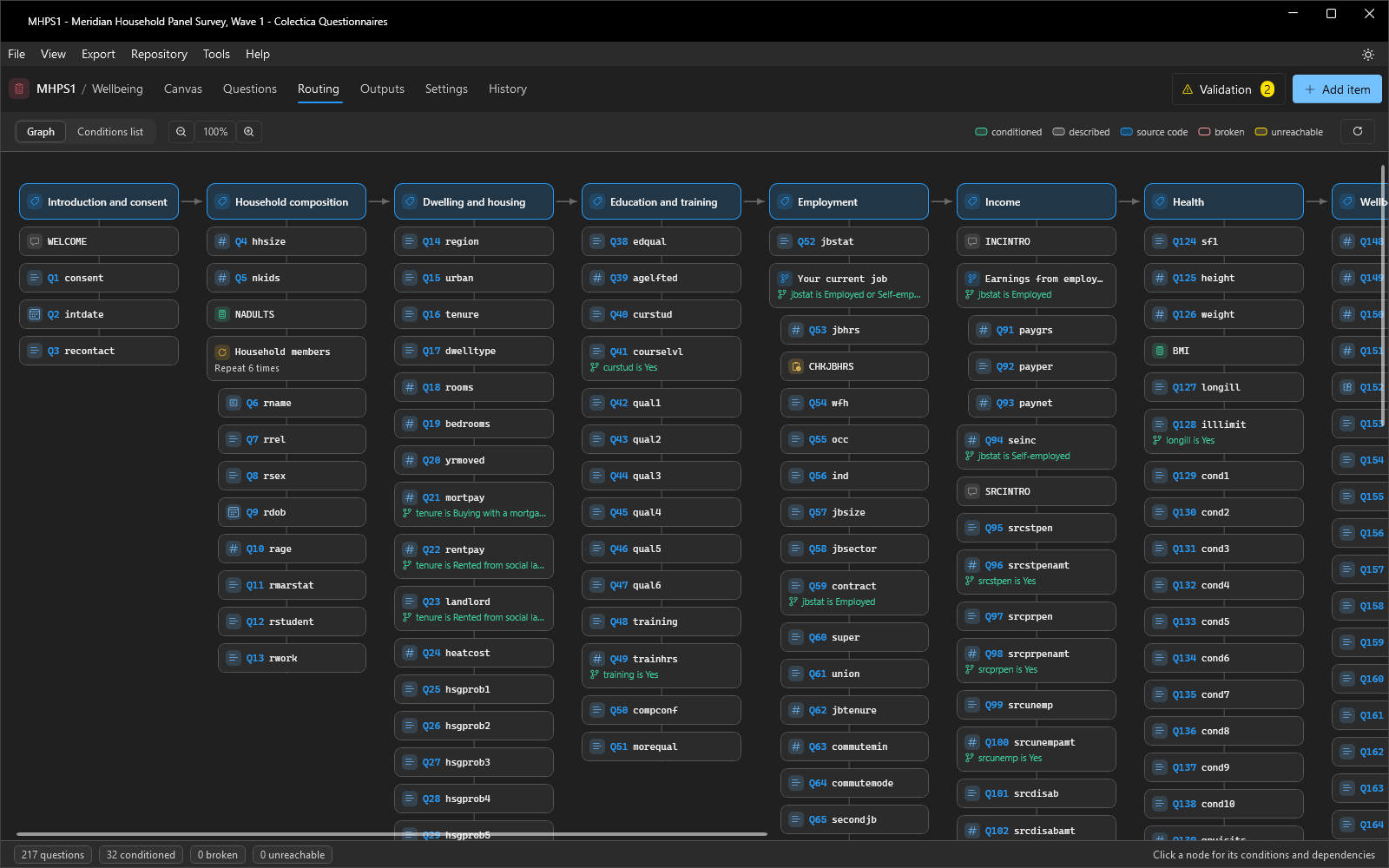
The graph lays the survey out as one column per section, with a node per item; a question’s node shows its number. Edges connect conditions to the answers they depend on. The legend distinguishes node states: conditioned, described, source code, broken, and unreachable. The surface pans by dragging and zooms with the zoom buttons or Ctrl and the mouse wheel. A footer counts the survey’s questions and its conditioned, broken, and unreachable items.
The Node Panel#
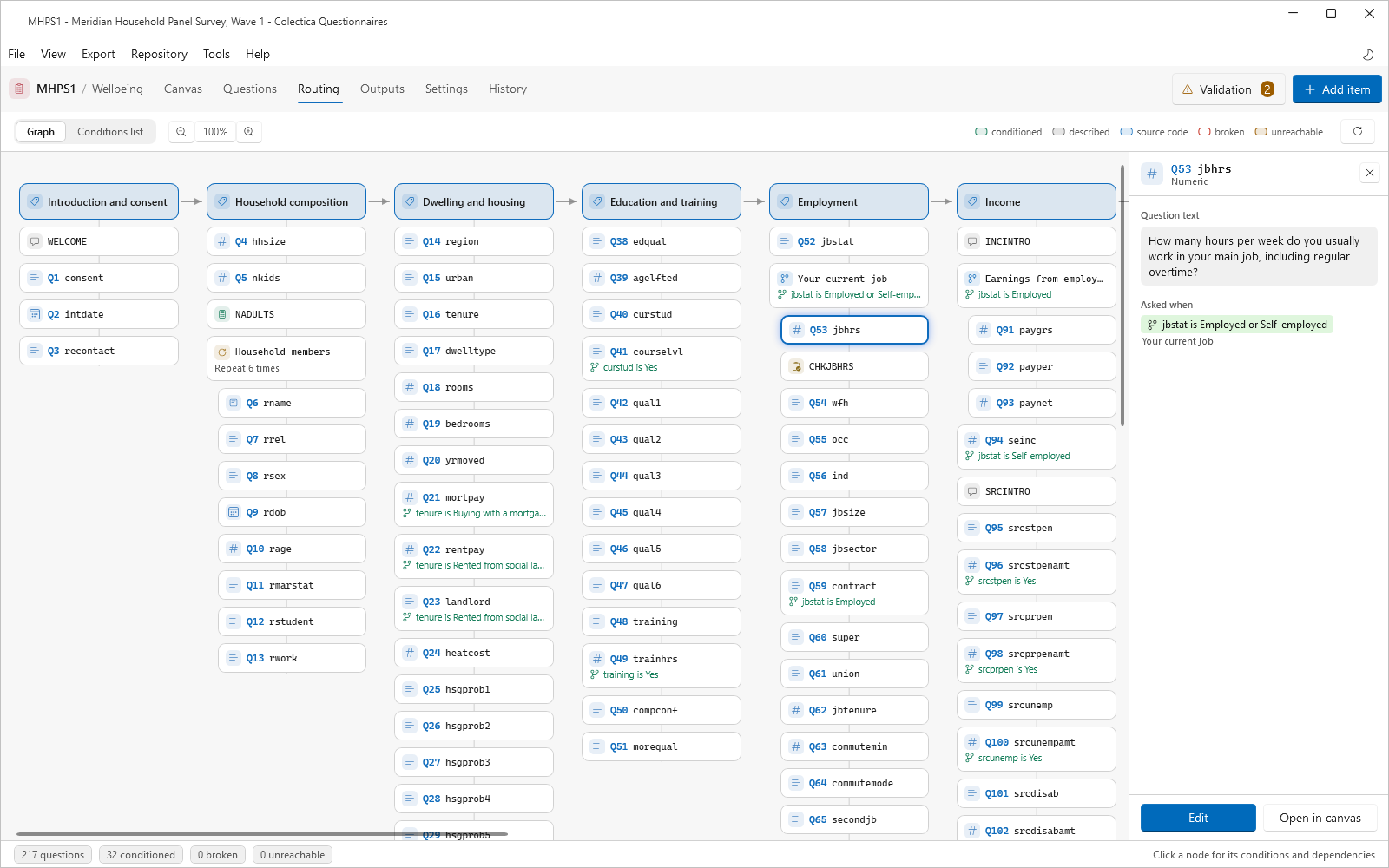
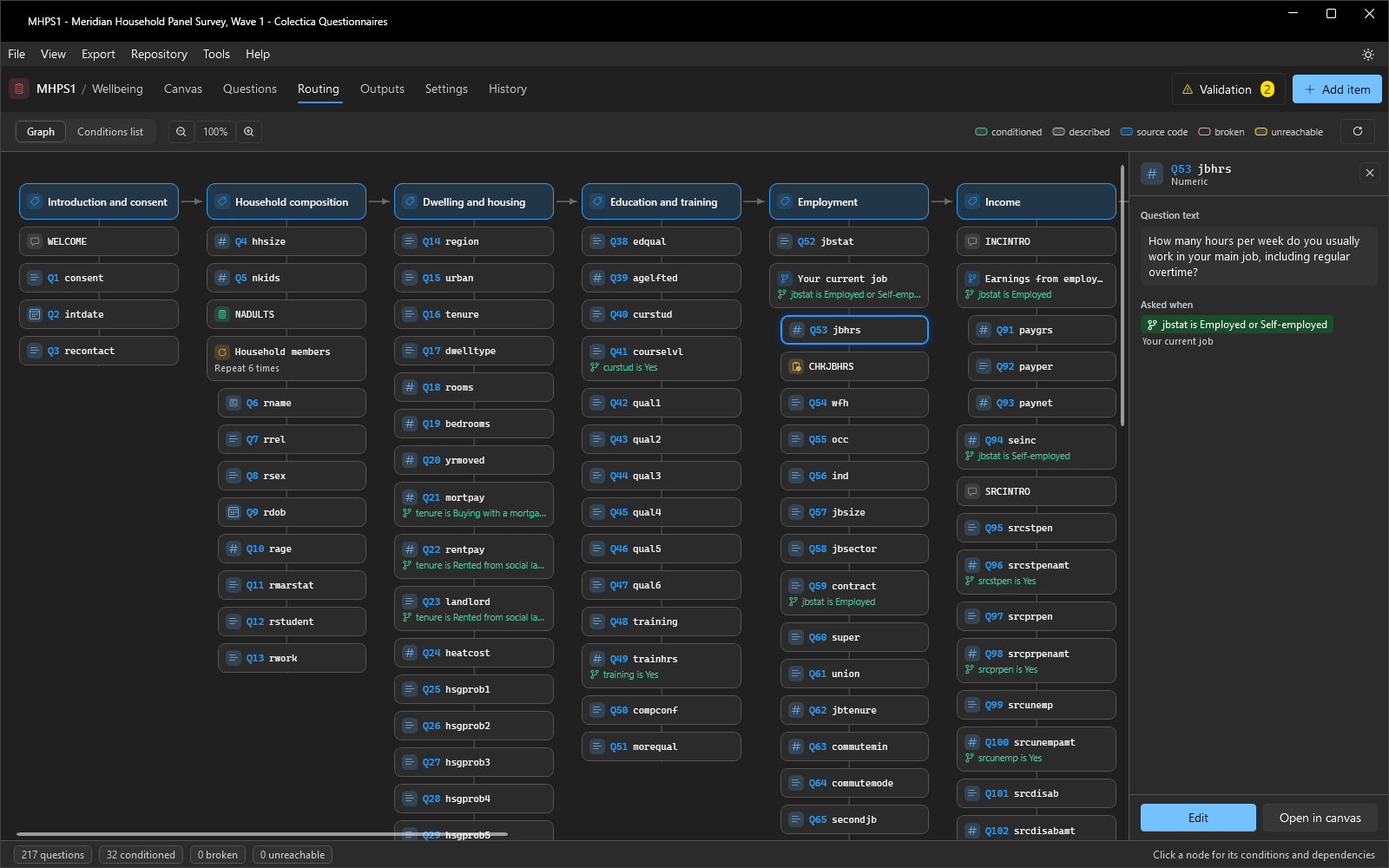
Selecting a node opens a panel with the item’s name, type, and text. Asked when states the conditions that must hold for the item to be asked, or that the item is always asked. Depends on lists the answers the item’s condition reads; Gates lists the items whose conditions read this answer. Information bars flag broken or unreachable items. Edit opens the item’s editor, and Open in canvas jumps to its card.
Conditions List Mode#
The Conditions list presents every condition in the survey as a flat list for auditing, with the same states and the same navigation actions as the graph.
See also
For directions, see Trace and Fix Routing.