
Item Editors#
Every item type has a full-page editor, opened with Edit on its card. This page describes the editors for items other than questions; for those, see Question Editor. Every editor ends with a Custom fields card listing the custom fields defined for that kind of item; see Record Custom Fields.
Descriptive Text and Notes#
The statement editor has a Statement tab with the text shown to the respondent and optional instructions, and a Text Replacement tab for fill tokens. A Note uses the same editor; its text is internal and never shown to the respondent.
Sequence#
The sequence editor holds the section’s Name, Label, Description, and Custom fields. An information bar reports how many places use the sequence when it is reused.
Roster#
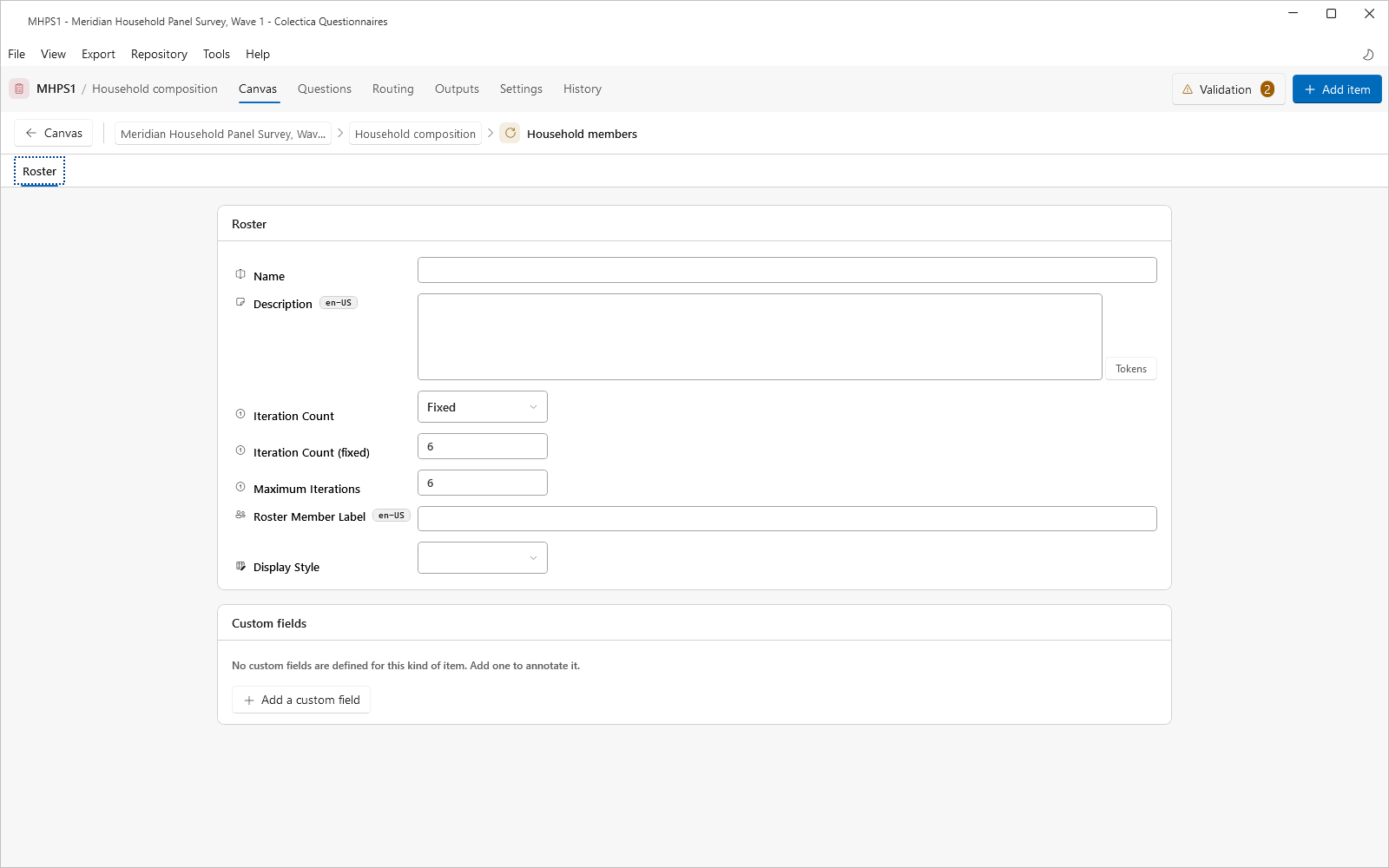
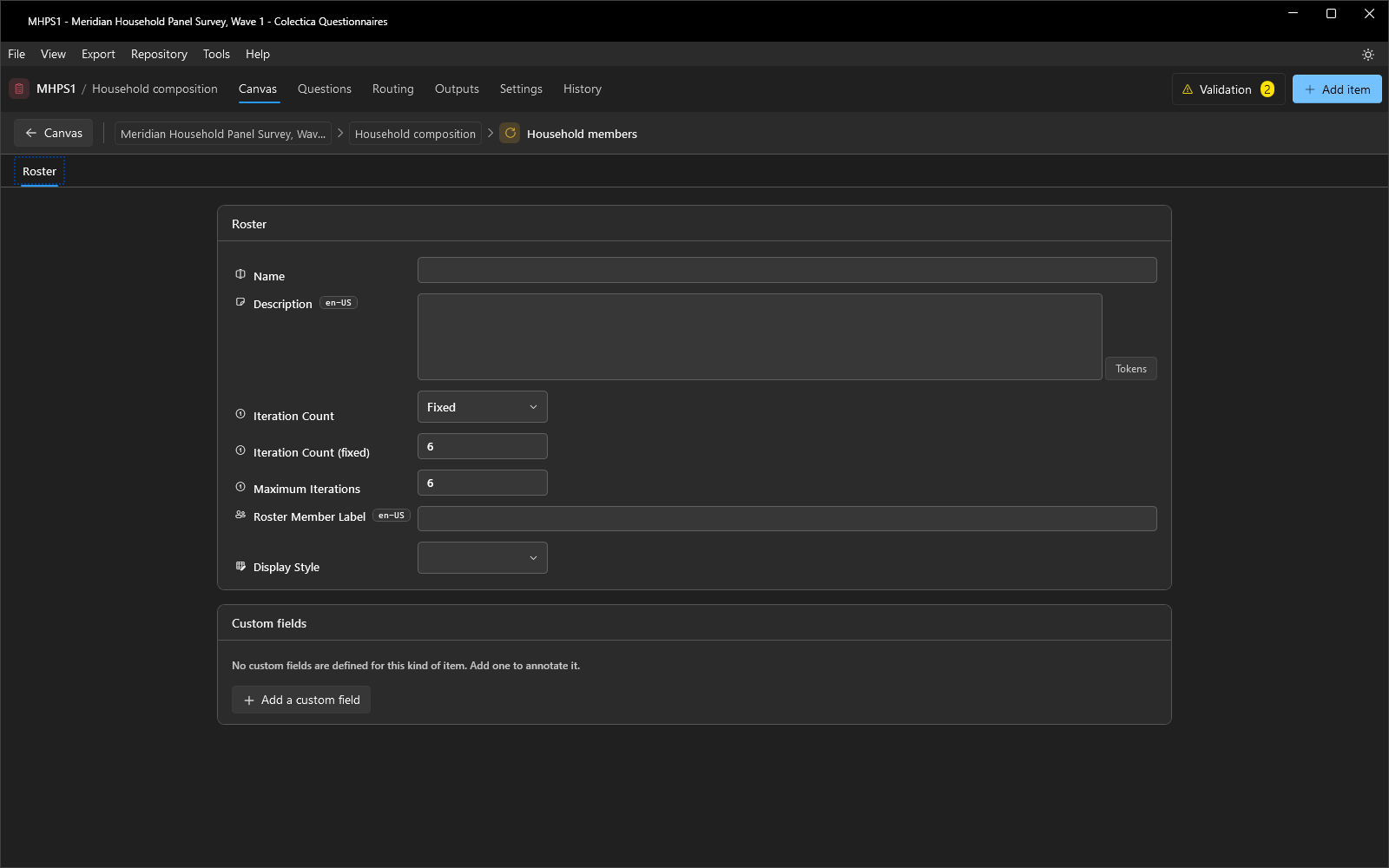
A roster repeats its items once per member.
Field |
Description |
|---|---|
Iteration Count |
Whether the number of repetitions is fixed or dynamic. |
Iteration Count (fixed) |
The repetition count when fixed. |
Iteration Count (dynamic) |
The earlier answer that supplies the count, bound through the Inputs dialog. |
Maximum Iterations |
The upper bound on repetitions. |
Roster Member Label |
The wording used for one member, such as “person”. |
Display Style |
How the repeated items are presented. |
Edit Check#
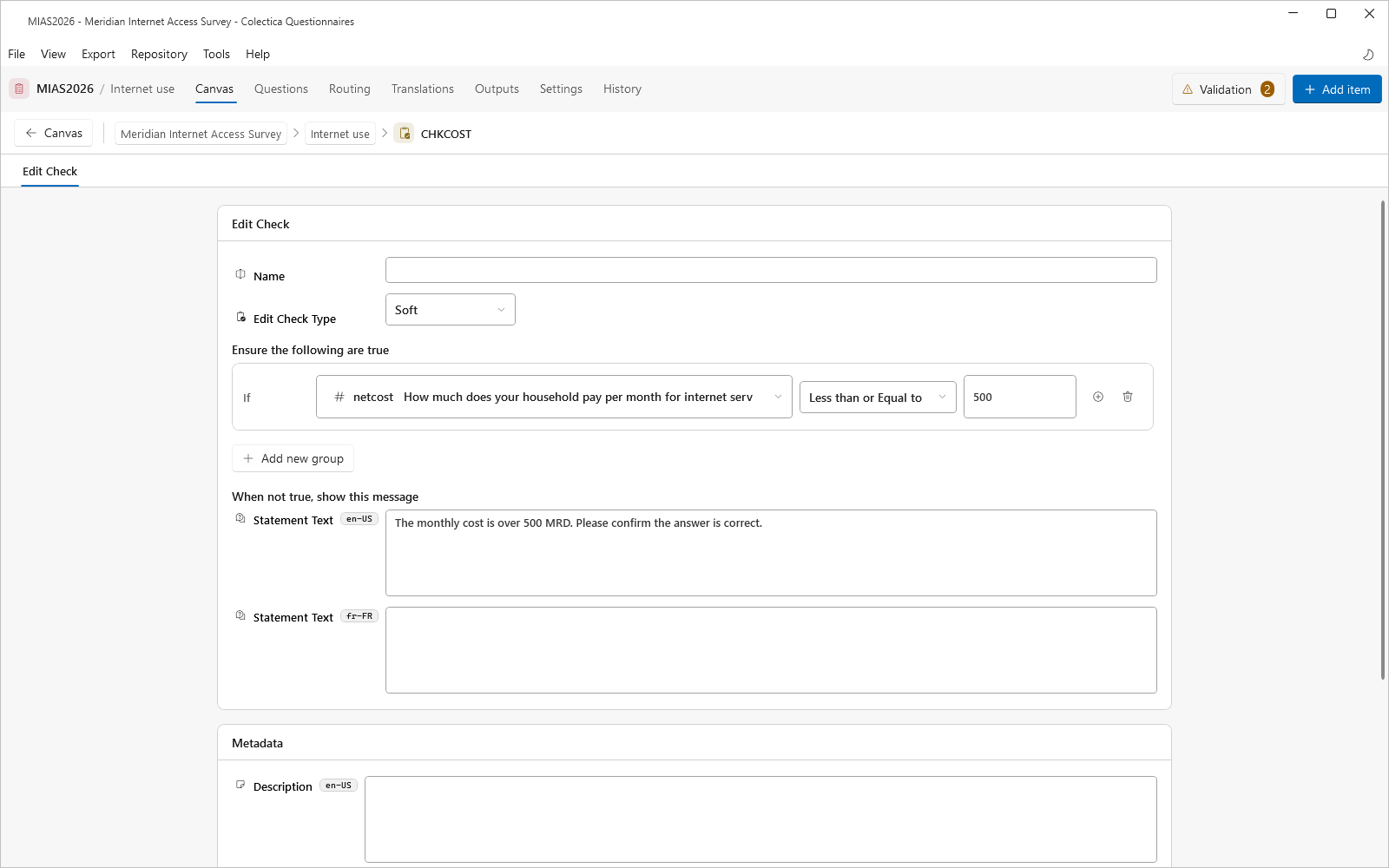
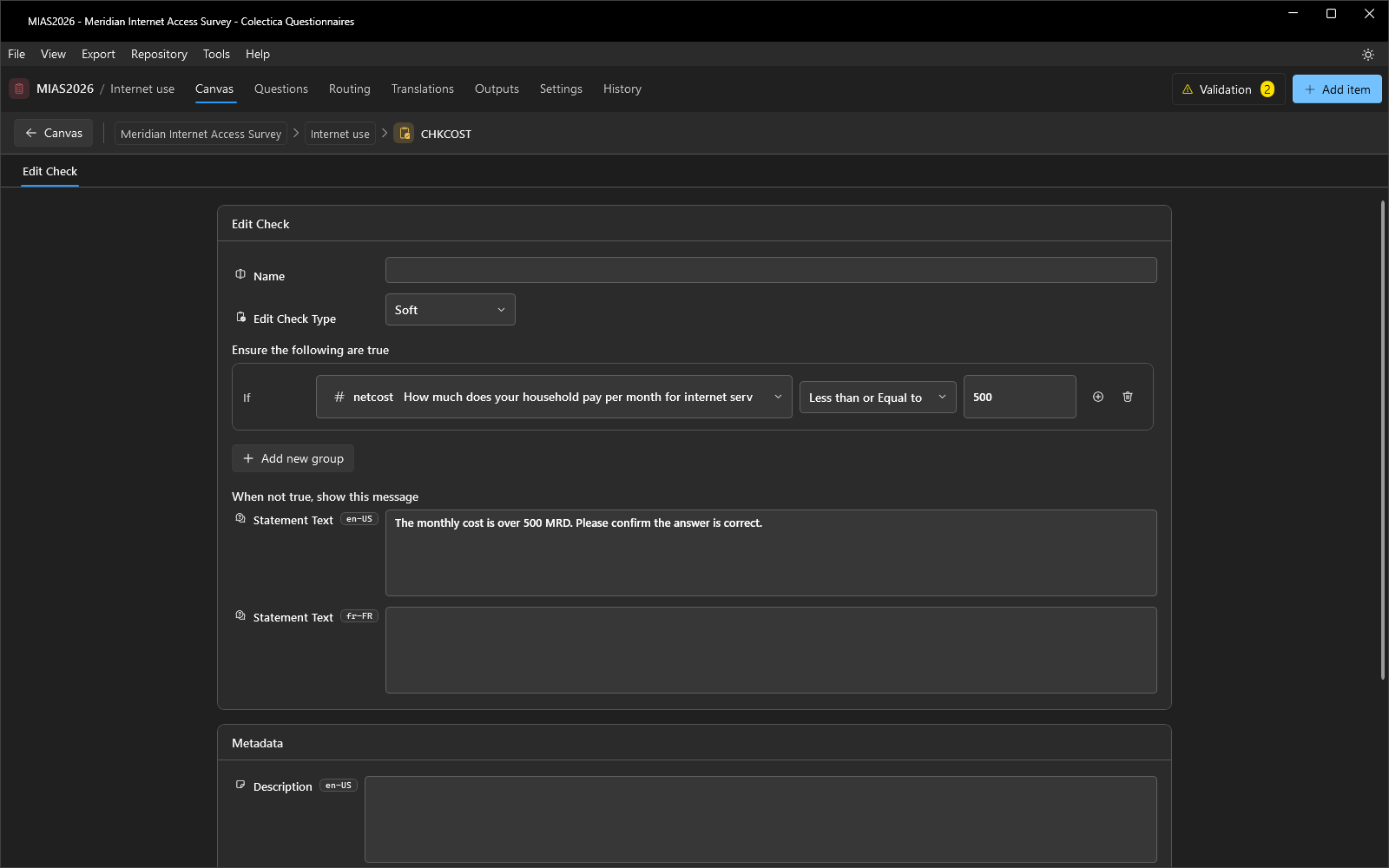
An edit check validates earlier answers.
Field |
Description |
|---|---|
Edit Check Type |
Soft asks the respondent to confirm; Hard blocks until corrected. |
Ensure the following are true |
The condition, built with the expression editor. |
When not true, show this message |
The message shown when the check fails, per language. |
The check fires when its condition is not true and at least one referenced answer has been given.
Computation#
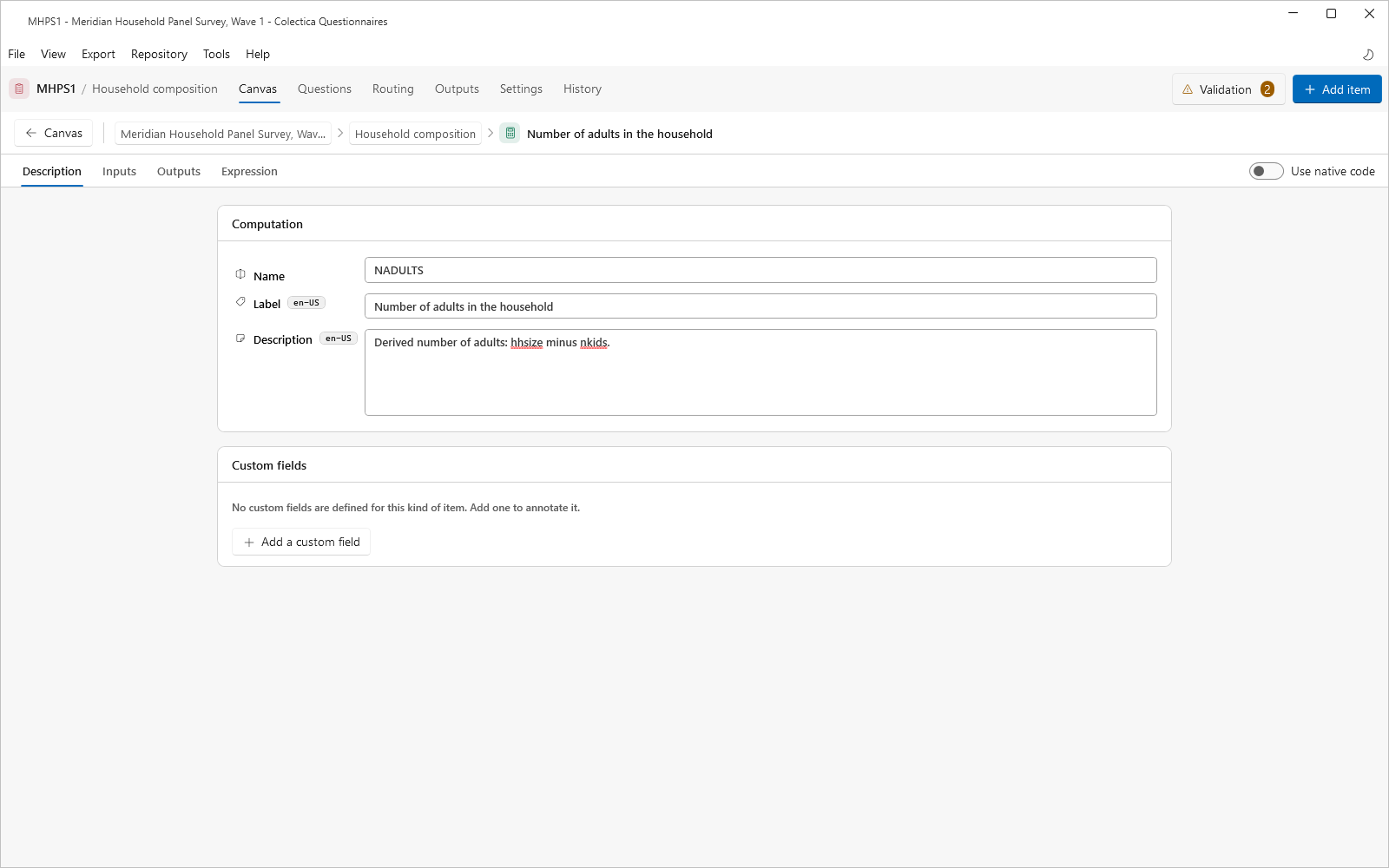
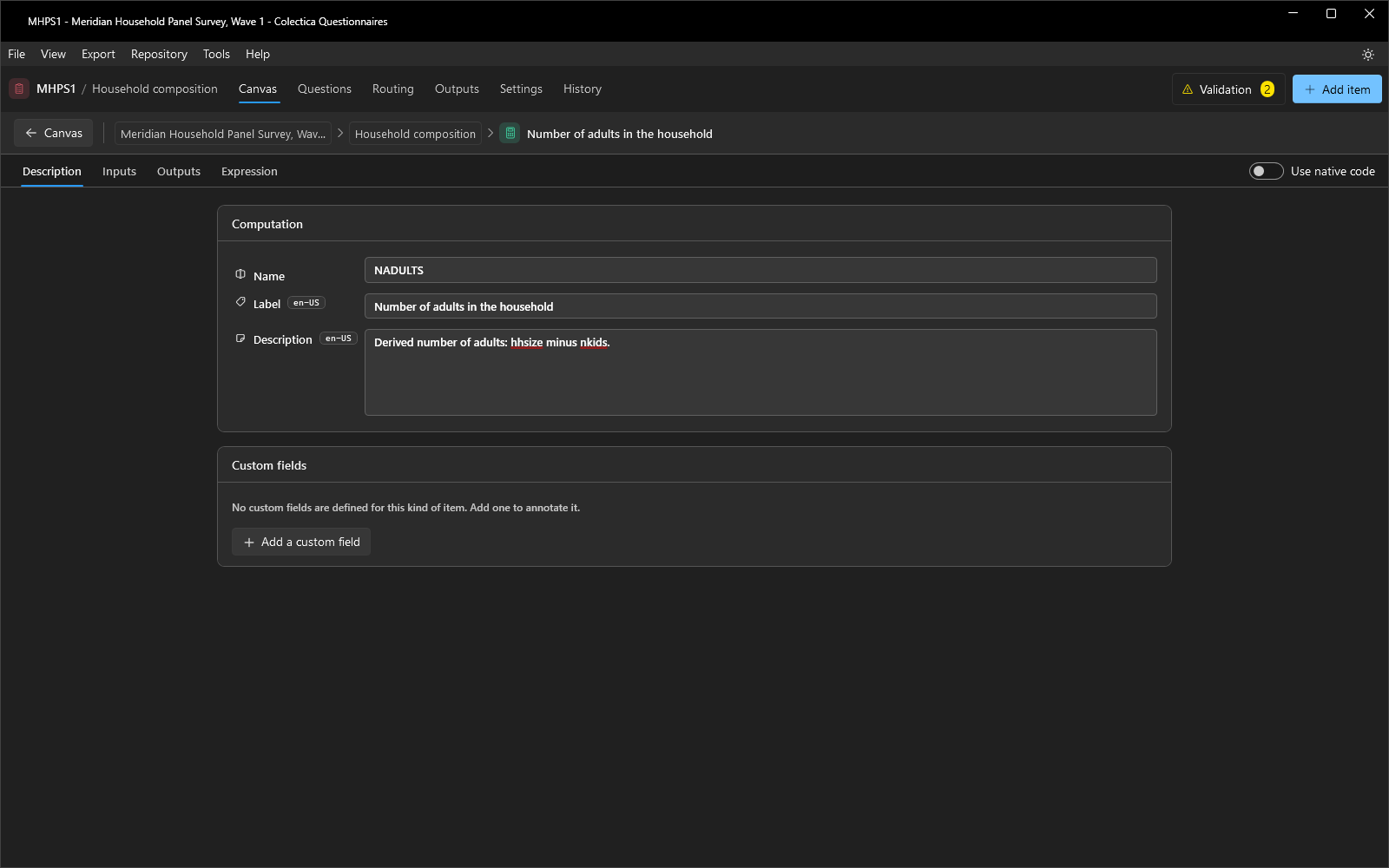
A computation derives one or more values from responses. Its tabs are Description, Inputs, Outputs, and Expression; a Use native code toggle at the right end of the tab strip replaces Expression with a Code tab.
Description holds the computation’s name, label, description, and custom fields.
Inputs declares the values the computation consumes: a name, a description, and a representation type per input.
Outputs declares the computed fields: a Name, a Scope, a Representation Type, and, for coded outputs, a code list.
Expression builds the calculation as ordered steps; each step assigns the result of a function to an output field. The function catalogue is listed in Display Logic and Expressions.
Code accepts native Blaise source with syntax highlighting; the input and output tokens available to the code are summarized beside it.
The Inputs Dialog#
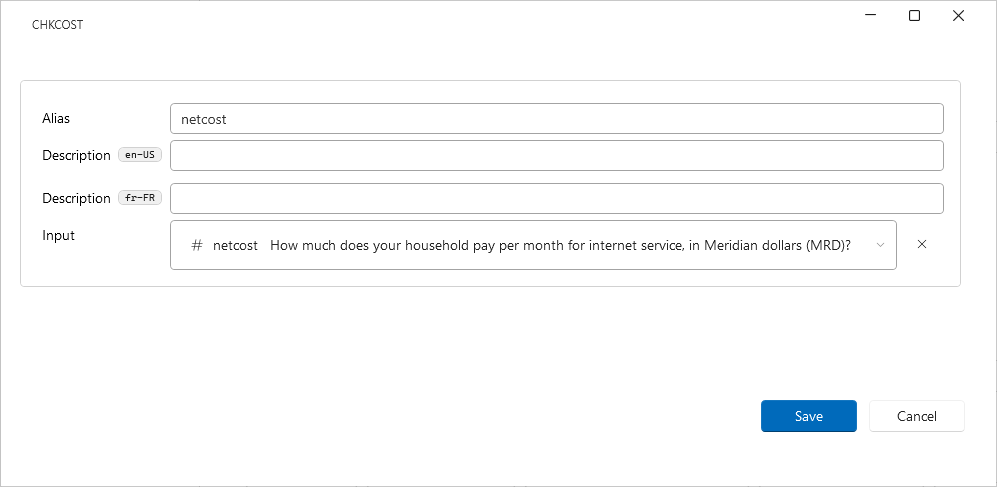
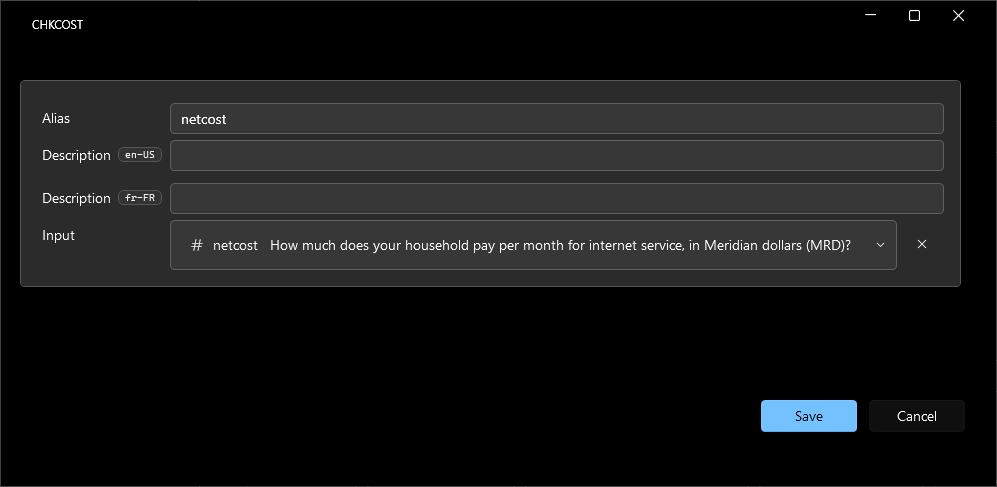
Items that consume earlier values, such as rosters with a dynamic count, computations, and questions with fill tokens, show an input indicator on their card. The indicator opens the Inputs dialog, which lists each input with its Alias, Description, and Input binding. The binding selects which earlier answer or computed value feeds the input.
Data Lookup#
Note
This feature is available in Blaise Colectica Questionnaires.
The Data Lookup editor defines a Blaise 5 LOOKUP: the external data source, the columns shown while searching, and the fields the selected record fills.