
Add Routing and Checks#
In this lesson you add questions that appear only for connected households, and a check that catches implausible answers. At the end you will watch the routing work in the live preview.
The video below performs every step in this lesson.
Add the Conditional Questions#
Open the
Meridian Internet Access Surveyfrom the welcome page.Open the Internet use section.
Add a Multiple Choice question above the comments question, type
What kind of internet connection does your household use?, and name itconntype. Create a code list with the choicesFibre,Cable,DSL,Satellite, andMobile broadband.Add a Numeric Entry question below it, type
How much does your household pay per month for internet service, in Meridian dollars (MRD)?, and name itnetcost. Allow two decimal places on its Response tab.
Show Them Only After a Yes#
On the
conntypecard, click the branch button.In the Display Logic dialog, add an If row: choose
hasnetas the subject, Contains Any as the operator, andYesas the value.
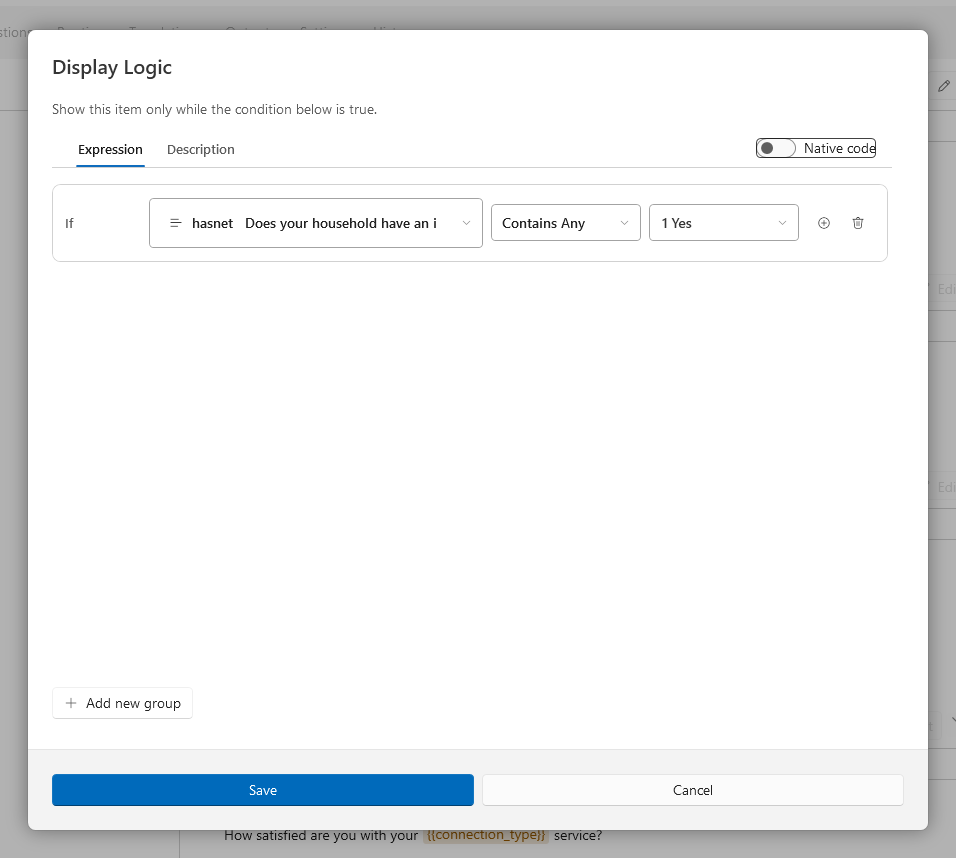
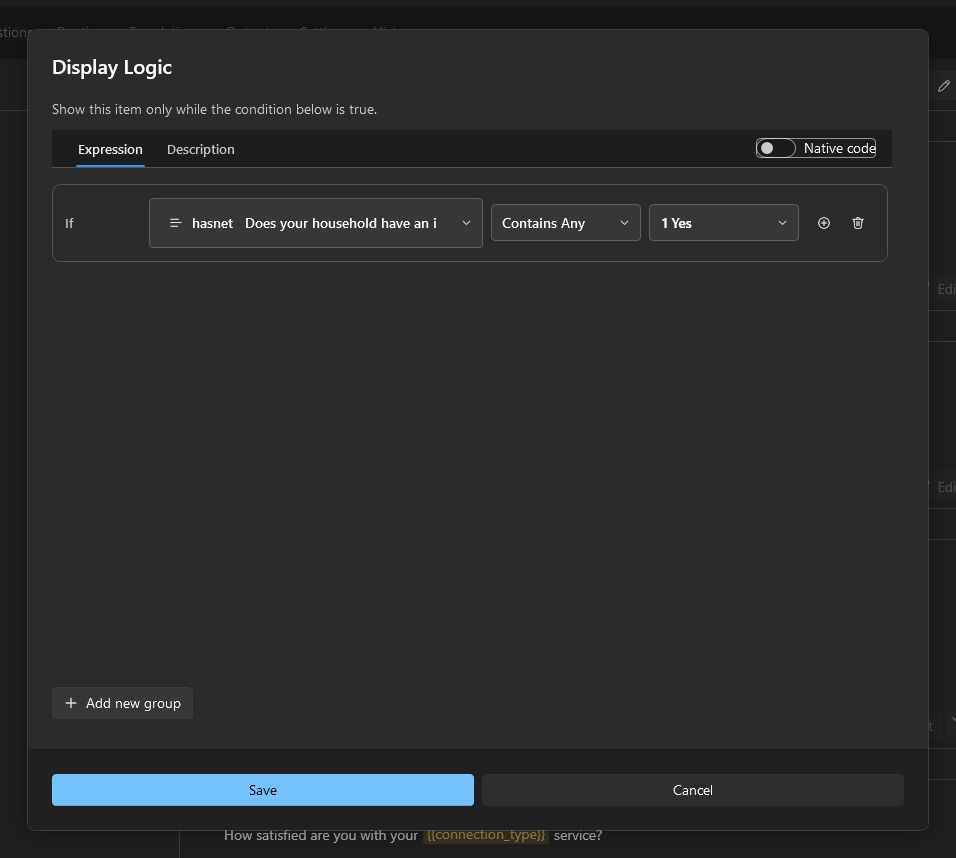
Click Save. The card now carries a green condition chip.
Give
netcostthe same condition.
Add an Edit Check#
Add an Edit Check below
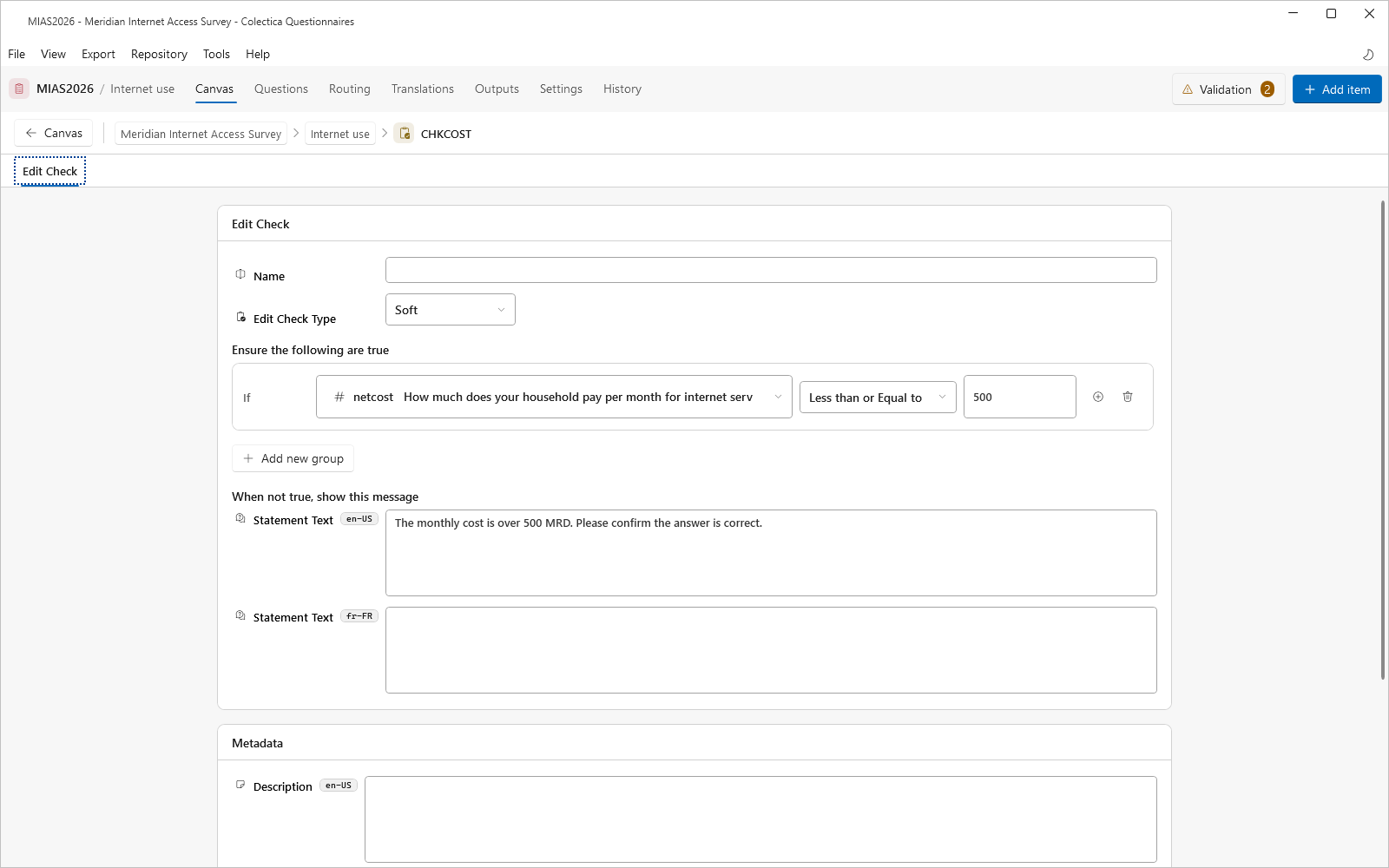
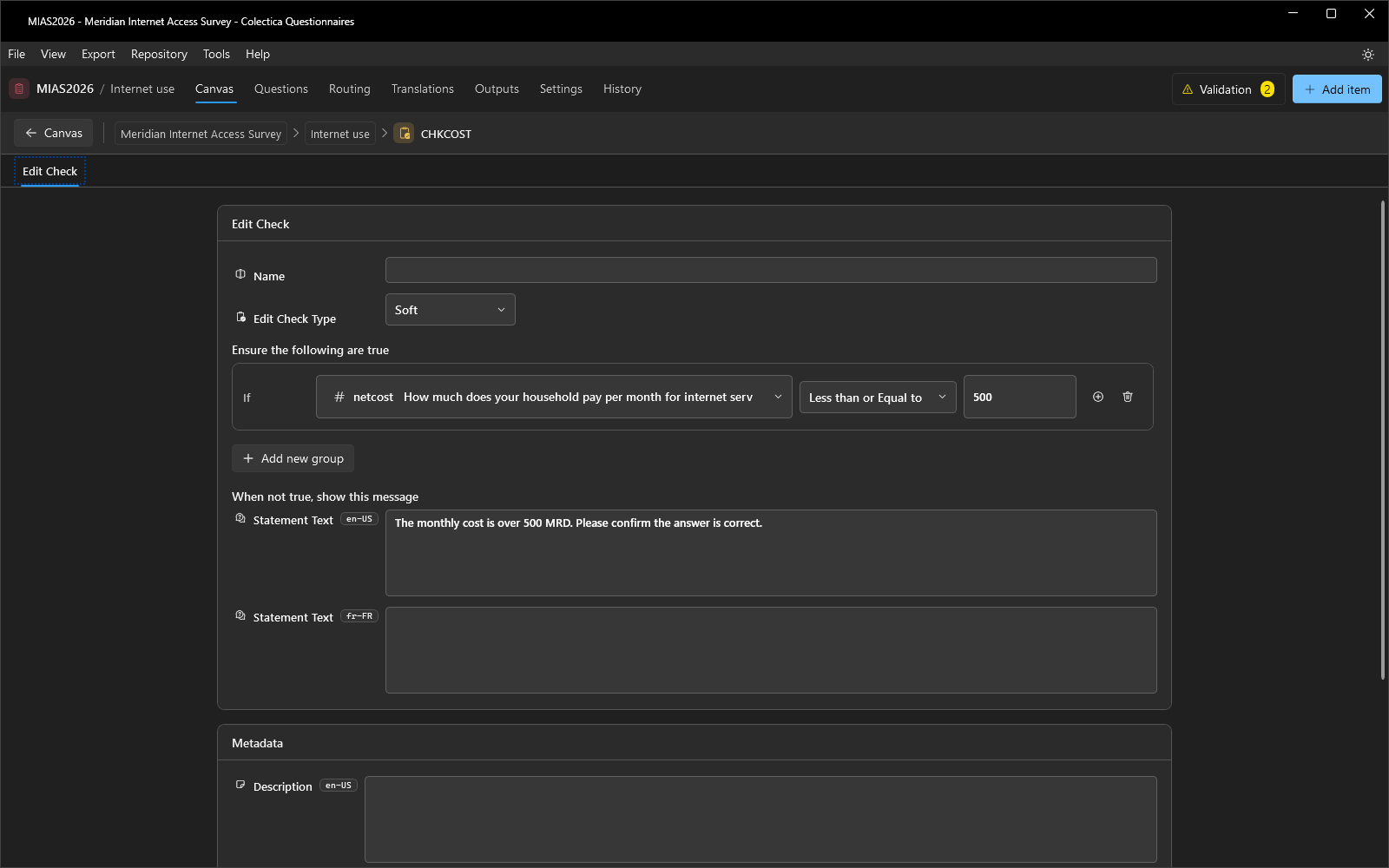
netcostand open its editor.Leave the Edit Check Type on Soft.
Under Ensure the following are true, add the row:
netcost, Less than or Equal to,500.Under When not true, show this message, type:
The monthly cost is over 500 MRD. Please confirm the answer is correct..
Go back to the canvas and save with Ctrl+S.
Watch It Work#
Open the Household section and switch the header toggle to Preview.
Answer Yes to the internet question and click Continue.
The connection and cost questions are now asked.
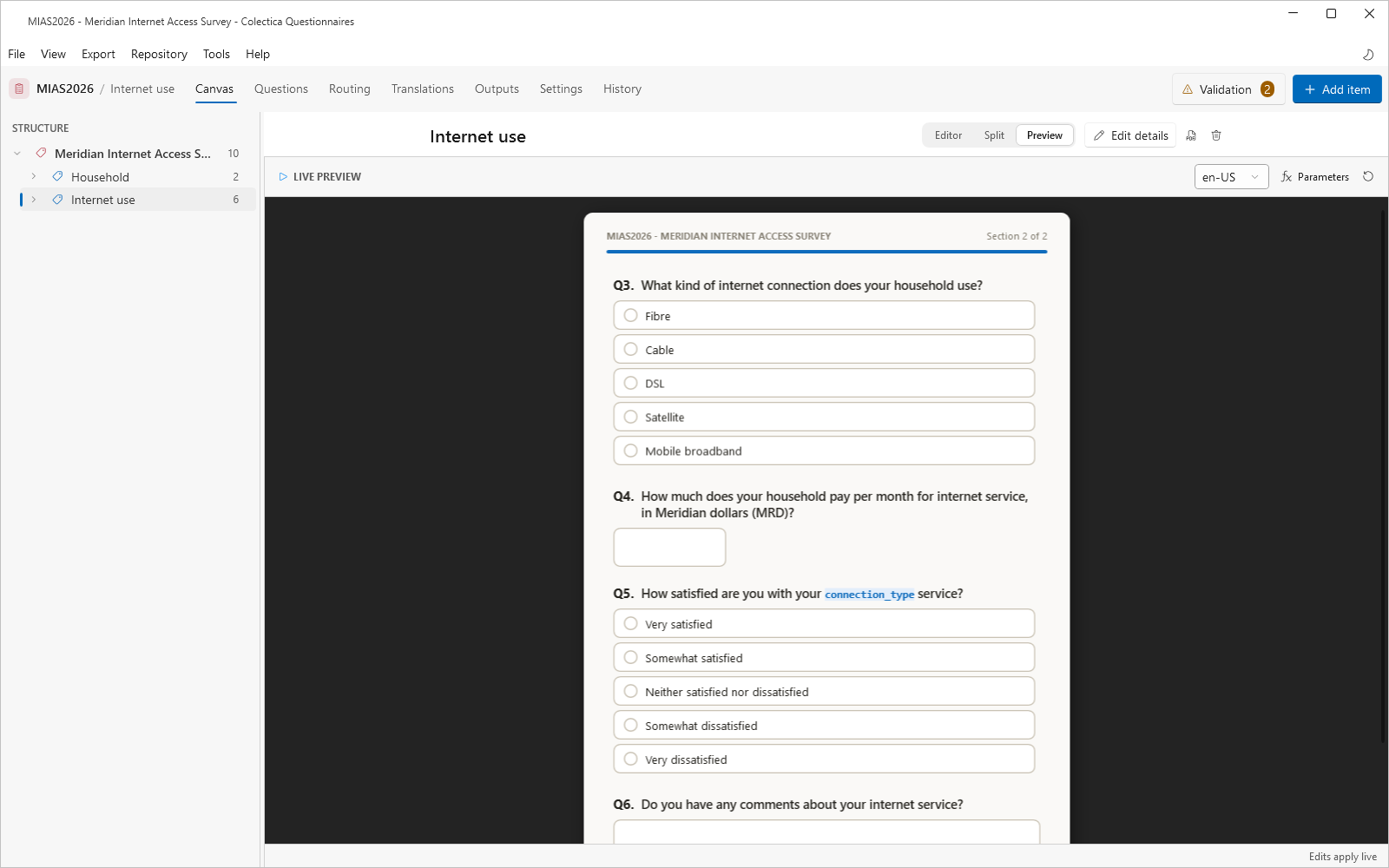
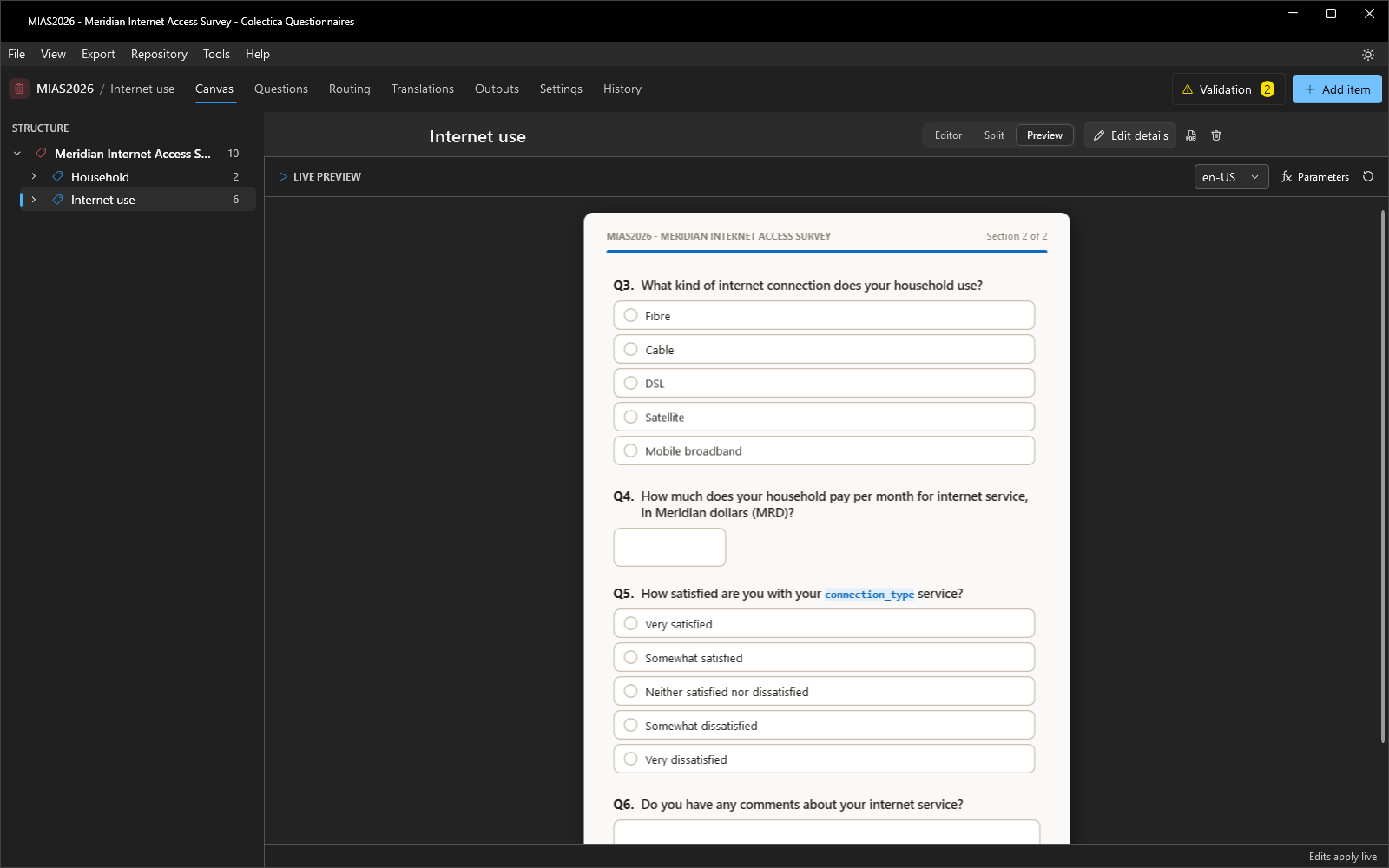
Use the restart button, answer No instead, and confirm the two questions stay hidden.
Enter
600as the monthly cost and confirm the check’s message appears.Switch back to Editor.
Your survey now routes respondents and validates their answers, and you have proven both in the preview.
See also
Next lesson: Personalize with Fills and Computations.