
Connect to a Colectica Repository#
A Colectica Repository stores published surveys and items so a team can share, version, reuse, and discuss them.
Add a Connection#
Choose Tools, then Settings…, and select Repositories. Repository, then Configure Repositories…, opens the same section.
Click Add, enter the repository’s Hostname, choose the Authentication method, and enter the credentials it asks for.
Click Save.
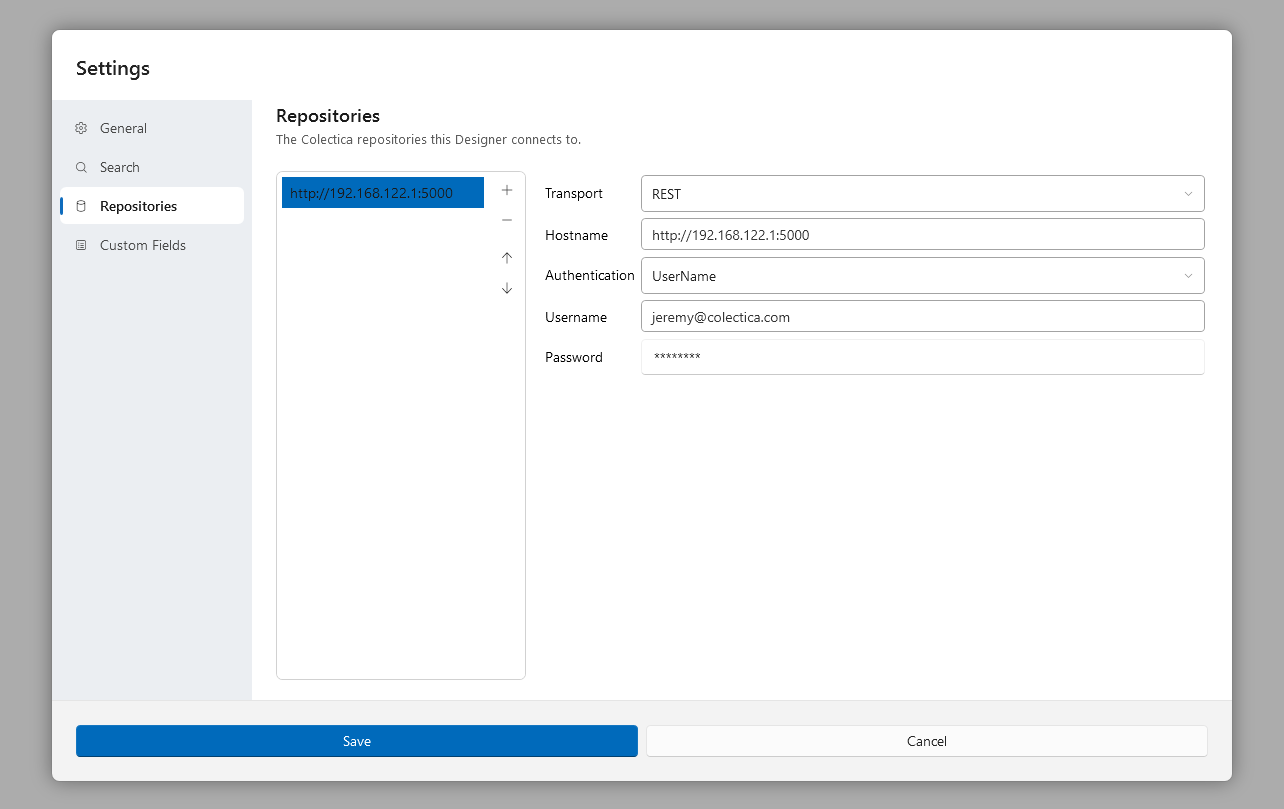
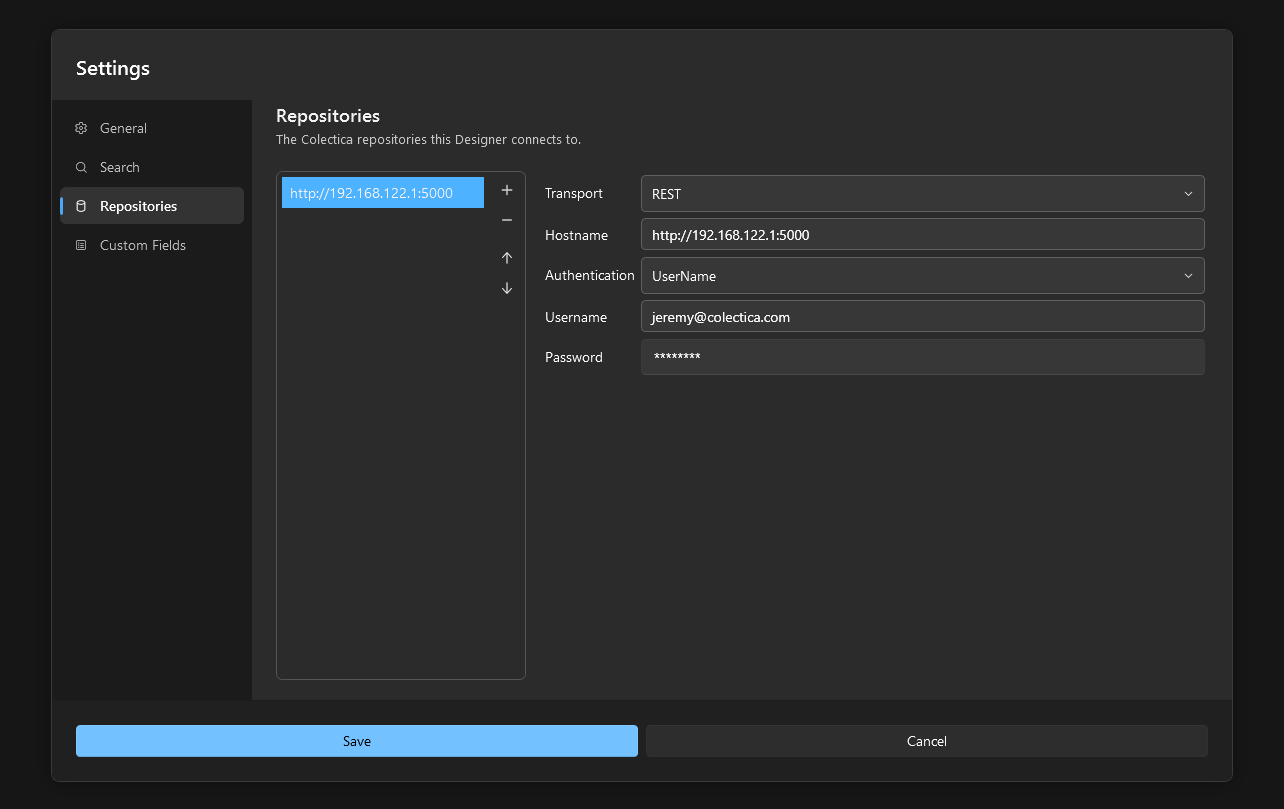
The Repository menu now offers Synchronize with … for the repository, and the add-item palette’s Repository group opens the Question bank on its items. The first repository in the list is the one used for comments. The connection fields are described in Settings Dialog.
Open a Survey from a Repository#
Choose File, then Open from Repository…, or click Open from Repository… on the welcome page.
In the Select an Item dialog, choose the repository, search for the survey, select it, and click Select.
The survey is downloaded into your local workspace and opened. From then on, the Synchronize dialog moves changes between your copy and the repository; see Synchronize with a Repository.
See also
How Surveys Are Stored and Versioned explains the local workspace and the repository model.