
Outputs and Variable Names#
Each question produces one or more output values, and a fielded survey yields a dataset with a column per output. This page describes the Outputs page and the rules that name those variables.
The Outputs Page#
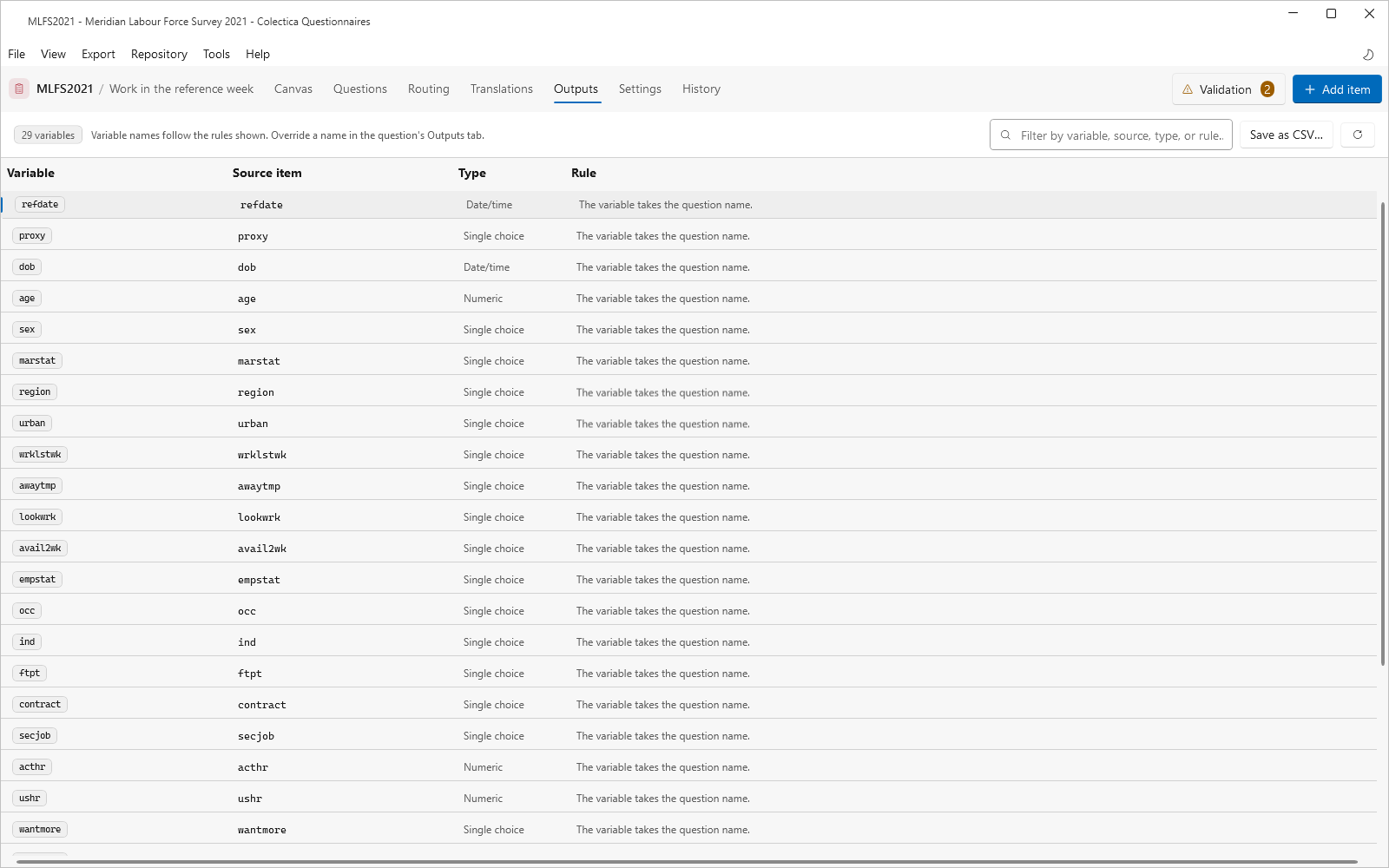
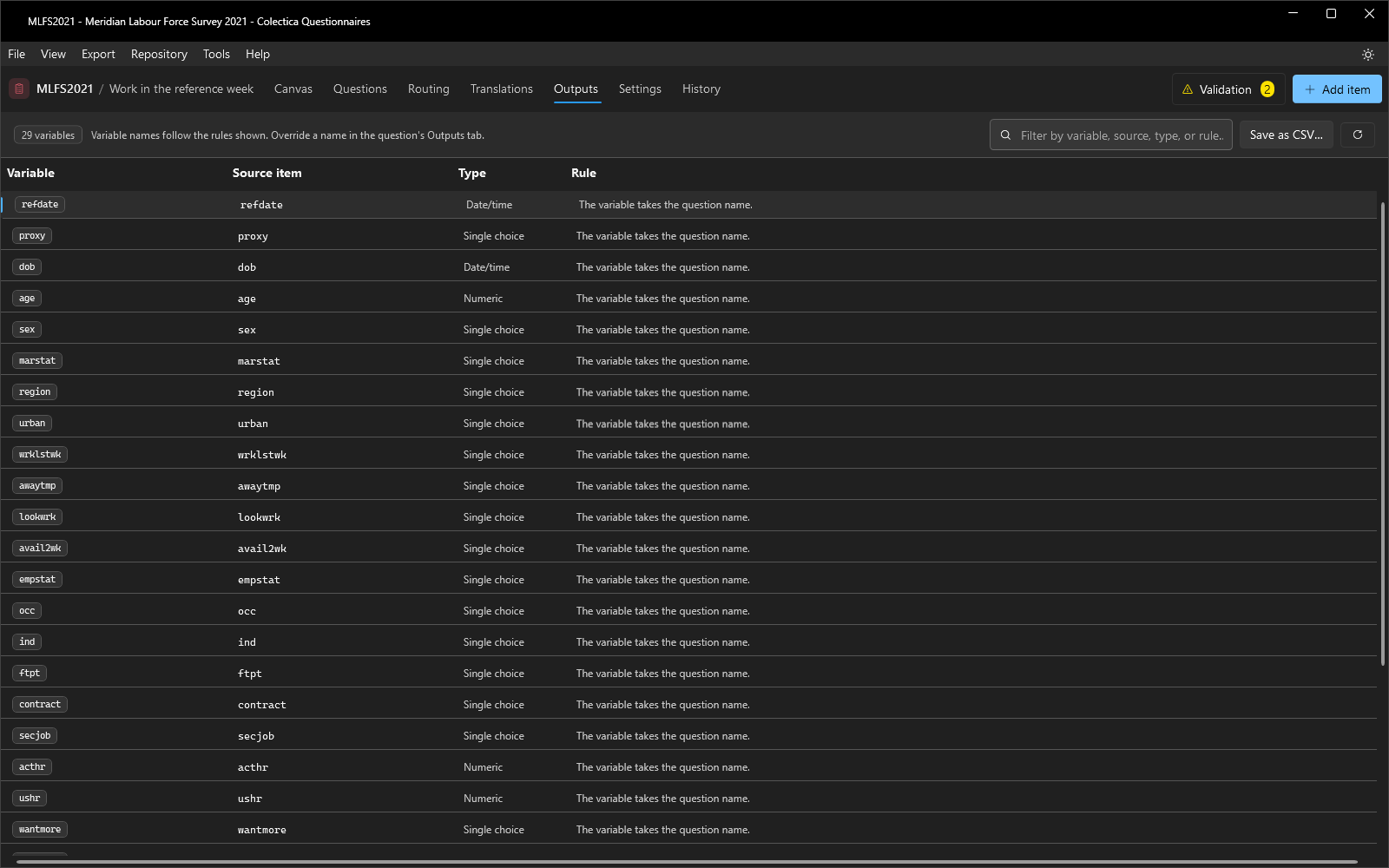
The Outputs page lists every output variable of the survey: the Variable name, the Source item with its detail, the Type, and the Rule that produced the name. A pencil icon marks names that were overridden in the question’s Outputs tab. The filter box matches variables, sources, types, and rules; Save as CSV… exports the table. Double-clicking a row opens the source item on the canvas.
Automatic Naming Rules#
Variable names derive from the question name according to the shape of the response.
A basic question produces one variable with the question’s name and the response’s data type.
A multiple choice question that allows more than one selection produces one variable per choice, named
{prefix}_{choice}.A choice grid with one selection per row produces one variable per row, named
{prefix}_{row}.A choice grid with multiple selections per row produces one variable per combination, named
{prefix}_{row}_{choice}.A question grid produces one variable per combination, named
{prefix}_{row}_{column}.
In these patterns, {prefix} is the question name.
{row} and {choice} are the category name of the row or choice when one is specified, and its code value otherwise.
{column} is the column’s label with spaces removed when one is specified, and the column’s position otherwise.
The General section of the Settings dialog can omit the question-name prefix from automatic names; see Settings Dialog.
Overridden Names#
A question’s Outputs tab can replace the automatic names with explicit ones, entered one per line in row order. The Outputs page and all exports use the overridden names.
See also
For directions, see Manage Output Variable Names; for why the names matter downstream, see From Questions to Dataset Variables.