
Repeat Questions with a Roster#
A roster repeats a group of items once per member, such as once per person in a household.
Create the Roster#
Add a Roster from the palette and open its editor.
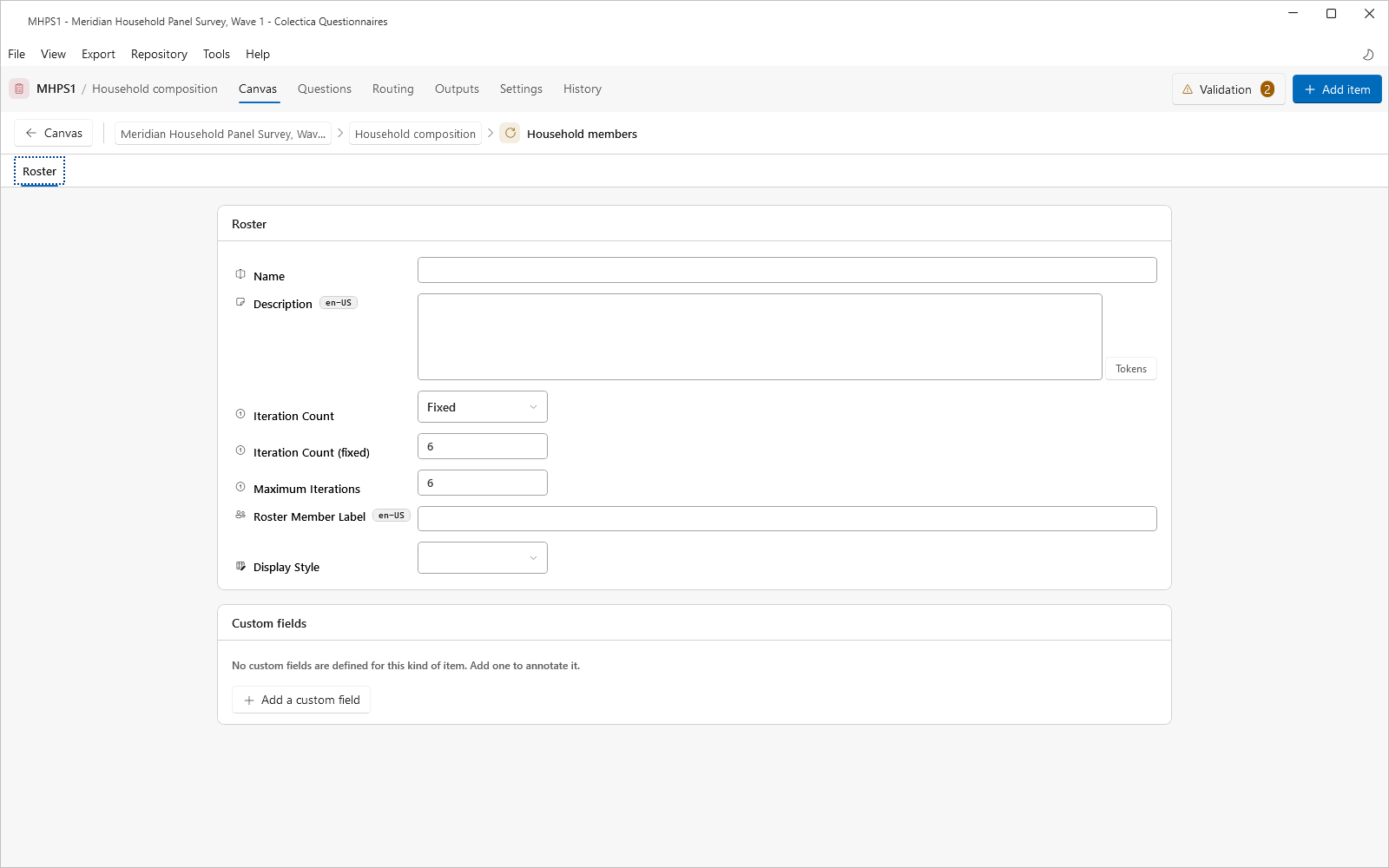
Set the Roster Member Label to the wording for one member, such as “person”.
Choose the Display Style.
Set the Repetition Count#
For a fixed count, set Iteration Count to fixed and enter the number.
For a count driven by an earlier answer, set Iteration Count to dynamic and set Maximum Iterations.
Leave the editor, then click the input indicator on the roster’s card to open the Inputs dialog.
Bind the count input to the earlier question that asks for the number of members.
Fill the Roster#
Open the roster in the structure tree or by drilling into its card.
Add the items that should repeat, such as a name question and an age question.
Verify the repetition in the live preview; the preview renders one pass and notes that the group repeats.
See also
Item Editors describes every roster setting. Test a Survey covers the live preview.