
Generate a Blaise 5 Survey#
Note
This feature is available in Blaise Colectica Questionnaires.
Blaise Colectica Questionnaires generates Blaise 5 source code from the open survey.
Generate the Source#
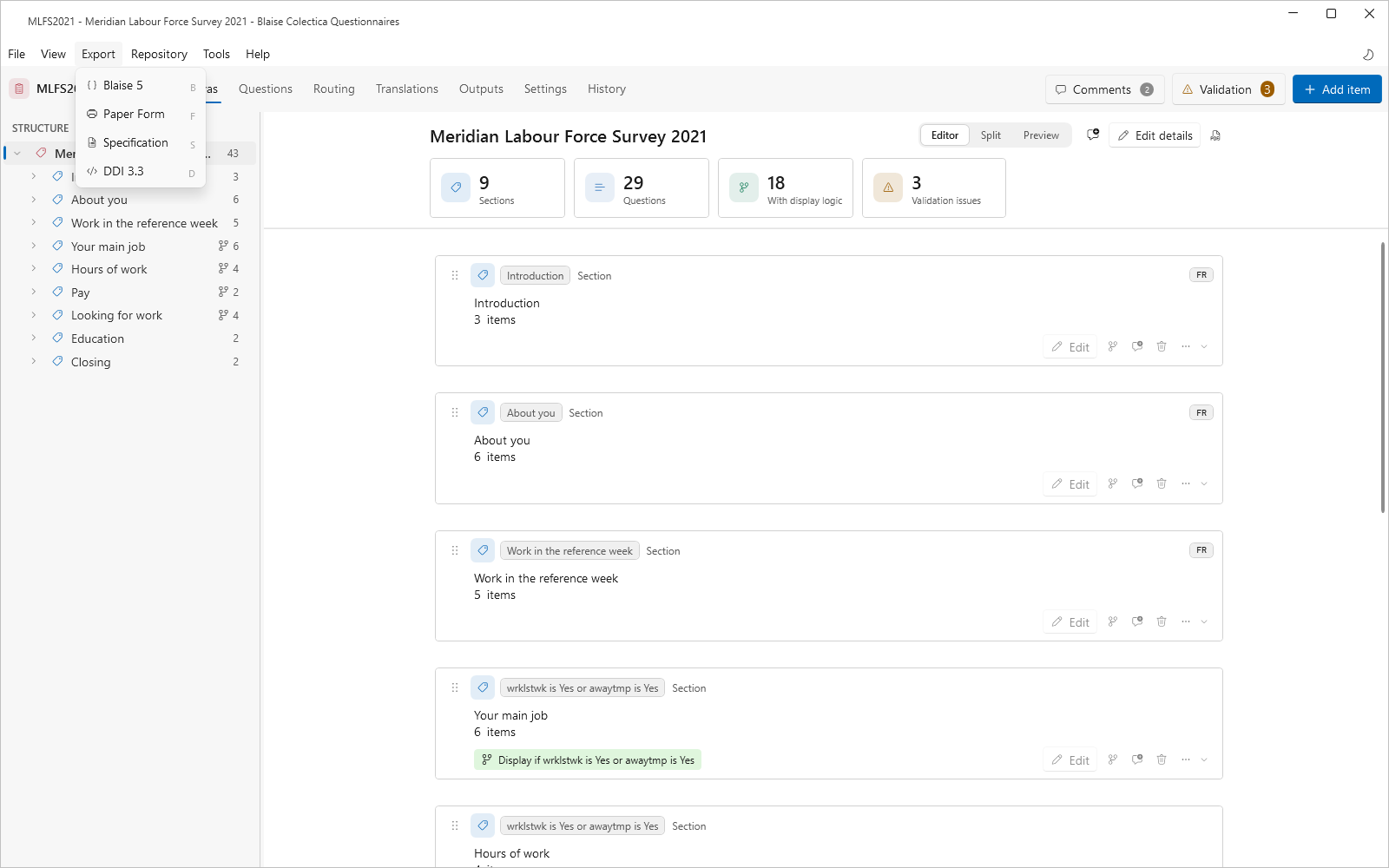
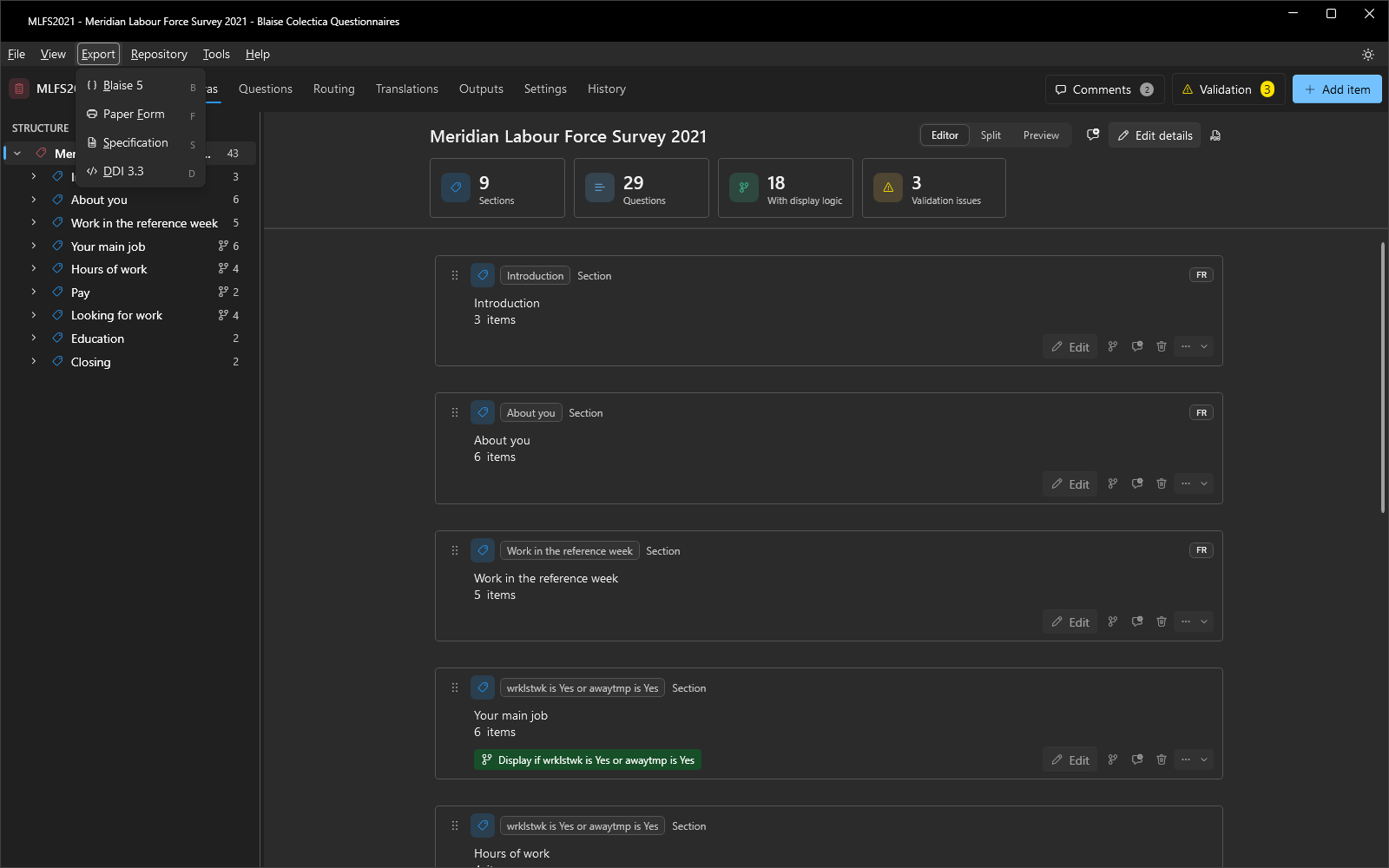
Choose Export, then Blaise 5.
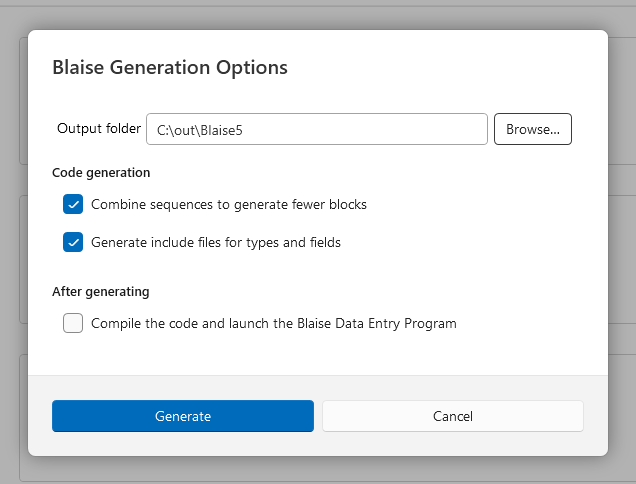
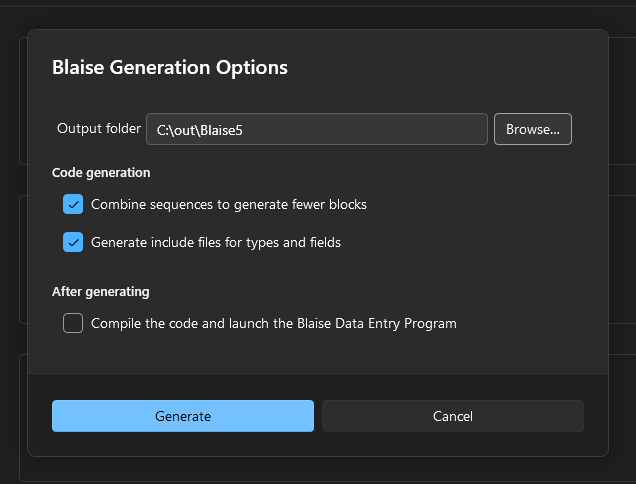
Choose the output location for the generated source.
Choose whether to combine sequences into a single block or generate one block per section.
Optionally have the generator compile the result and launch it in the Blaise Data Entry Program to try it immediately.
Pass the Validation Checks First#
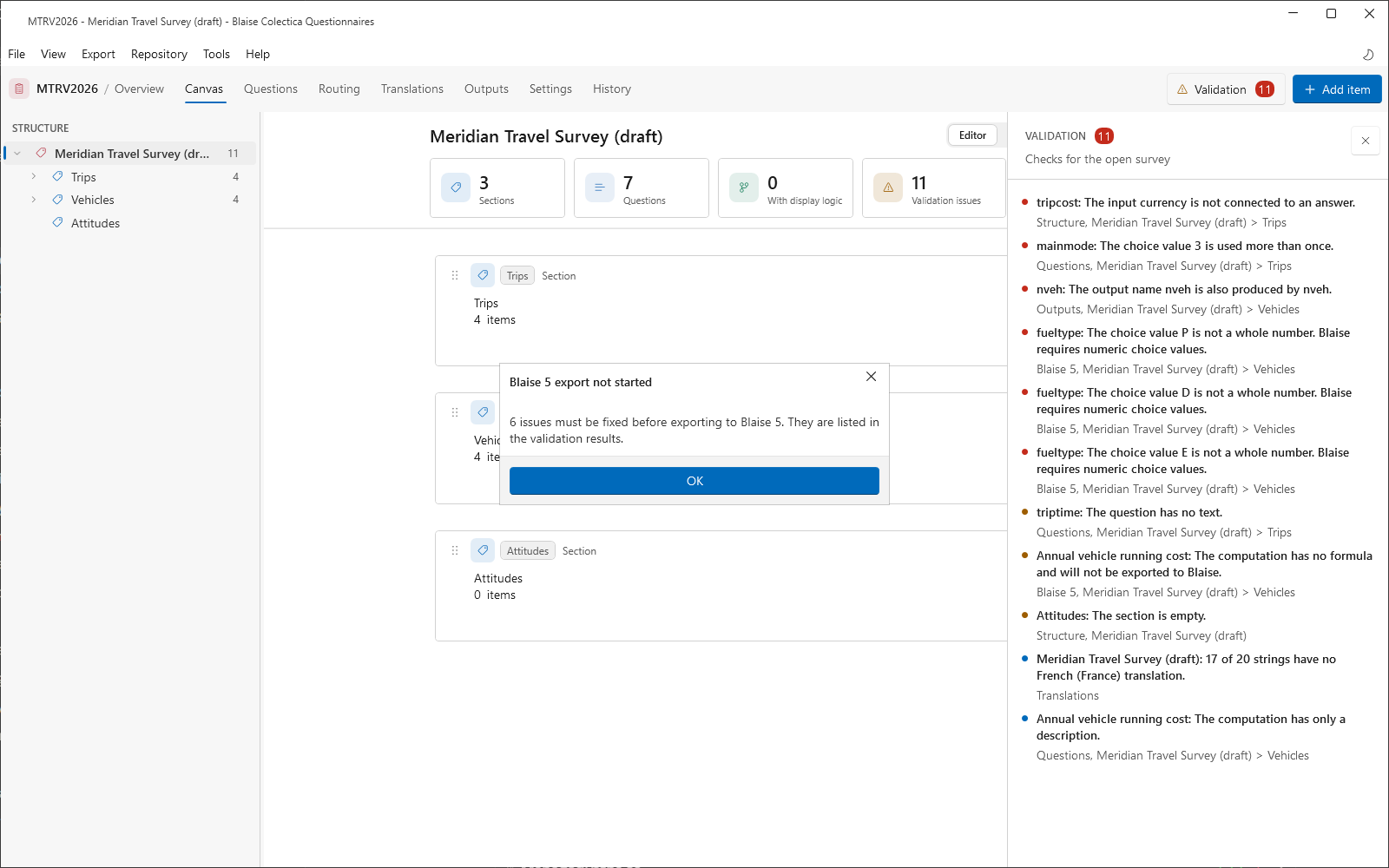
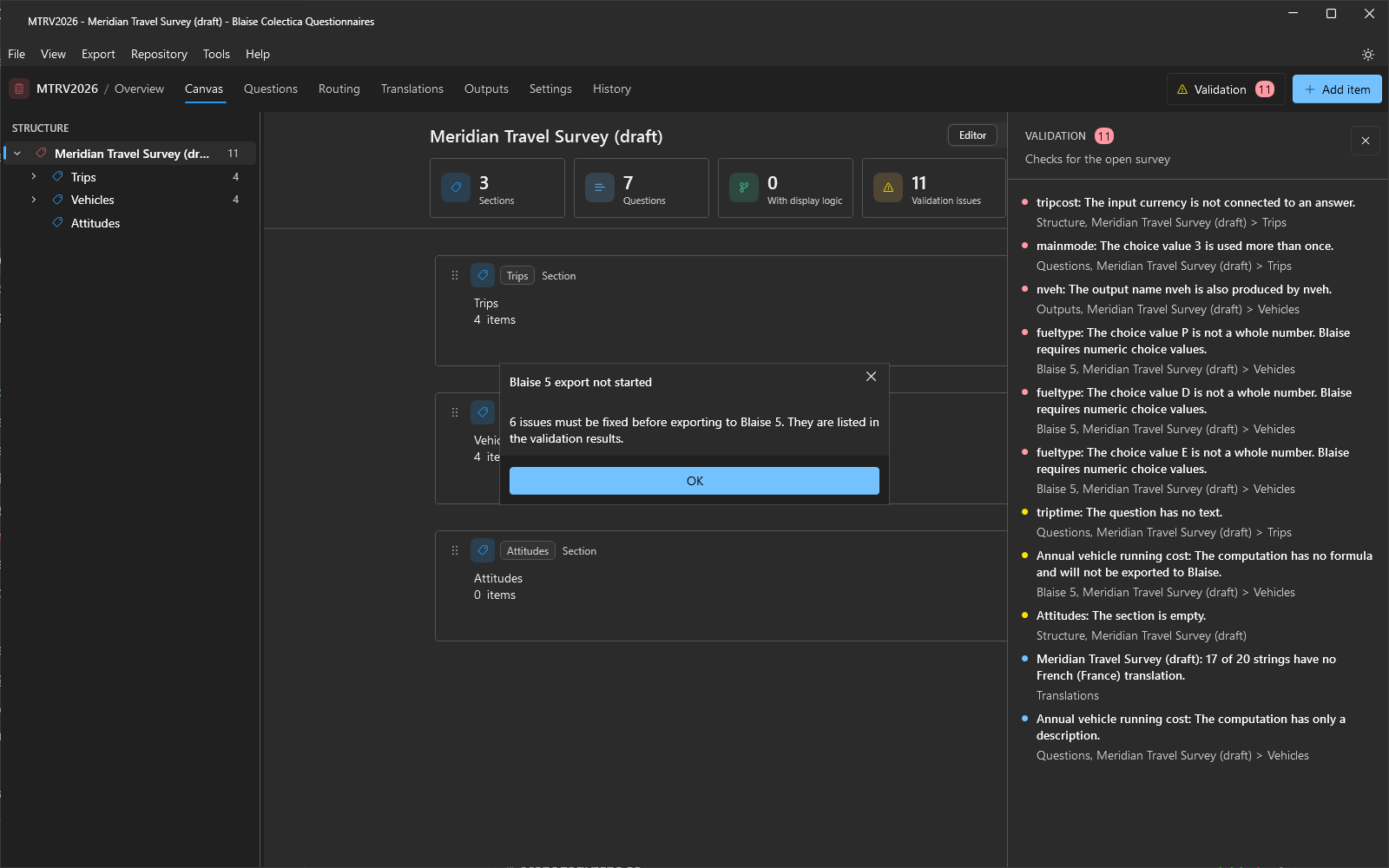
The export runs the validation checks before it opens its options. If any finding is an error, or a question produces no output, the export stops with a message that counts the issues, and the validation rail lists them. Warnings do not stop it; they describe what the generator will change, such as a name that is not a valid Blaise identifier. Run Tools, then Check for Errors, and clear the errors before generating. The Blaise 5 checks are listed in Validation Checks.
What the Generator Uses#
Formal display logic, edit checks, and computations generate Blaise rules directly. Items whose logic or computation is written as native Blaise code, through the Use native code toggle in their editors, pass that code into the generated source verbatim. Described display logic and edit checks cannot generate rules, so the checks report them as errors; a computation with only a description is left out of the generated source with a warning. Output variable names, including overrides, become the Blaise field names.
See also
Display Logic and Expressions describes formal, described, and native code logic. Test a Survey verifies the survey’s behavior before generation.