
Survey Settings Page#
The Settings page of an open survey holds the survey-wide settings, in three cards. It is distinct from the application’s Settings dialog under Tools, which is described in Settings Dialog.
Instrument Details#
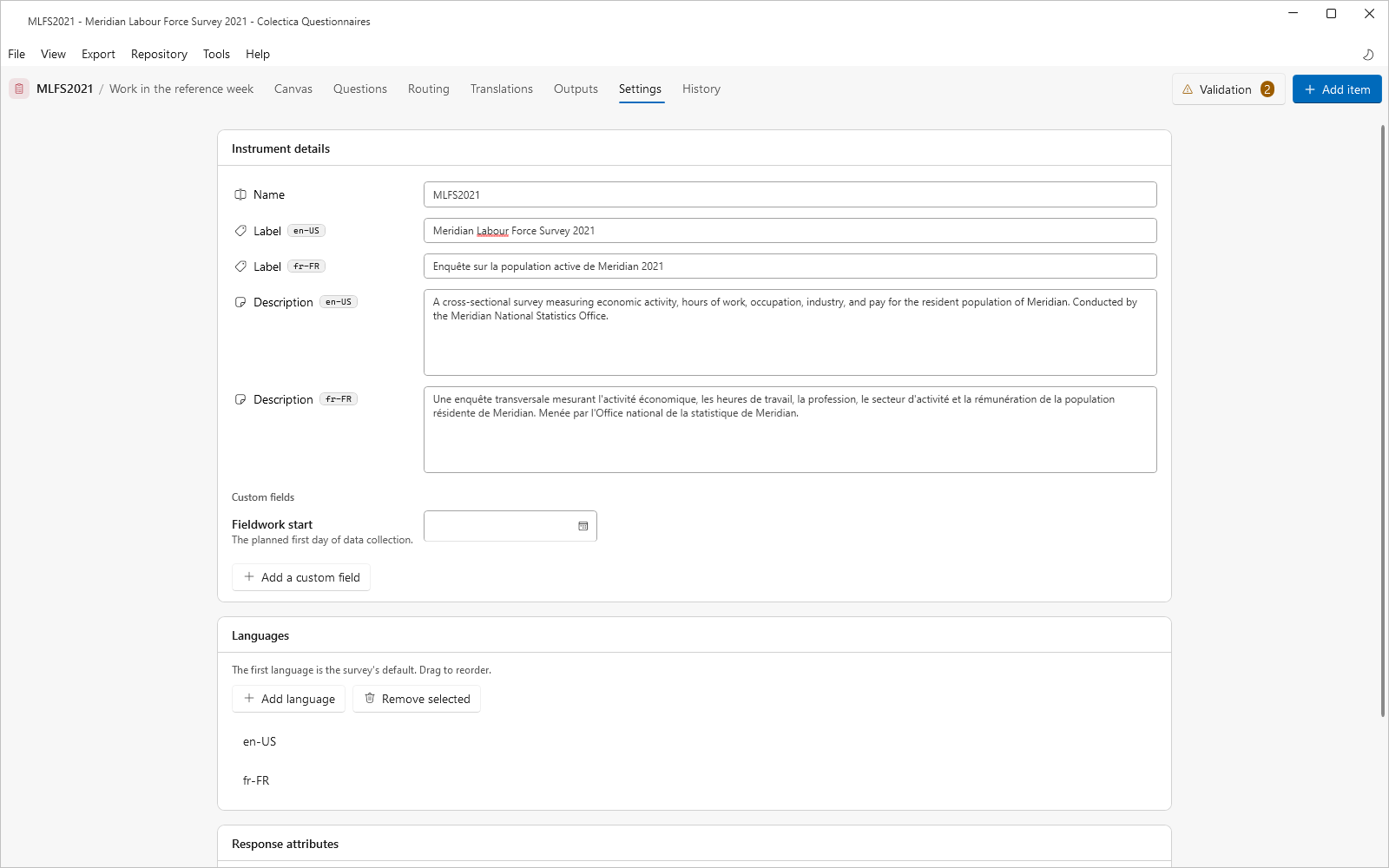
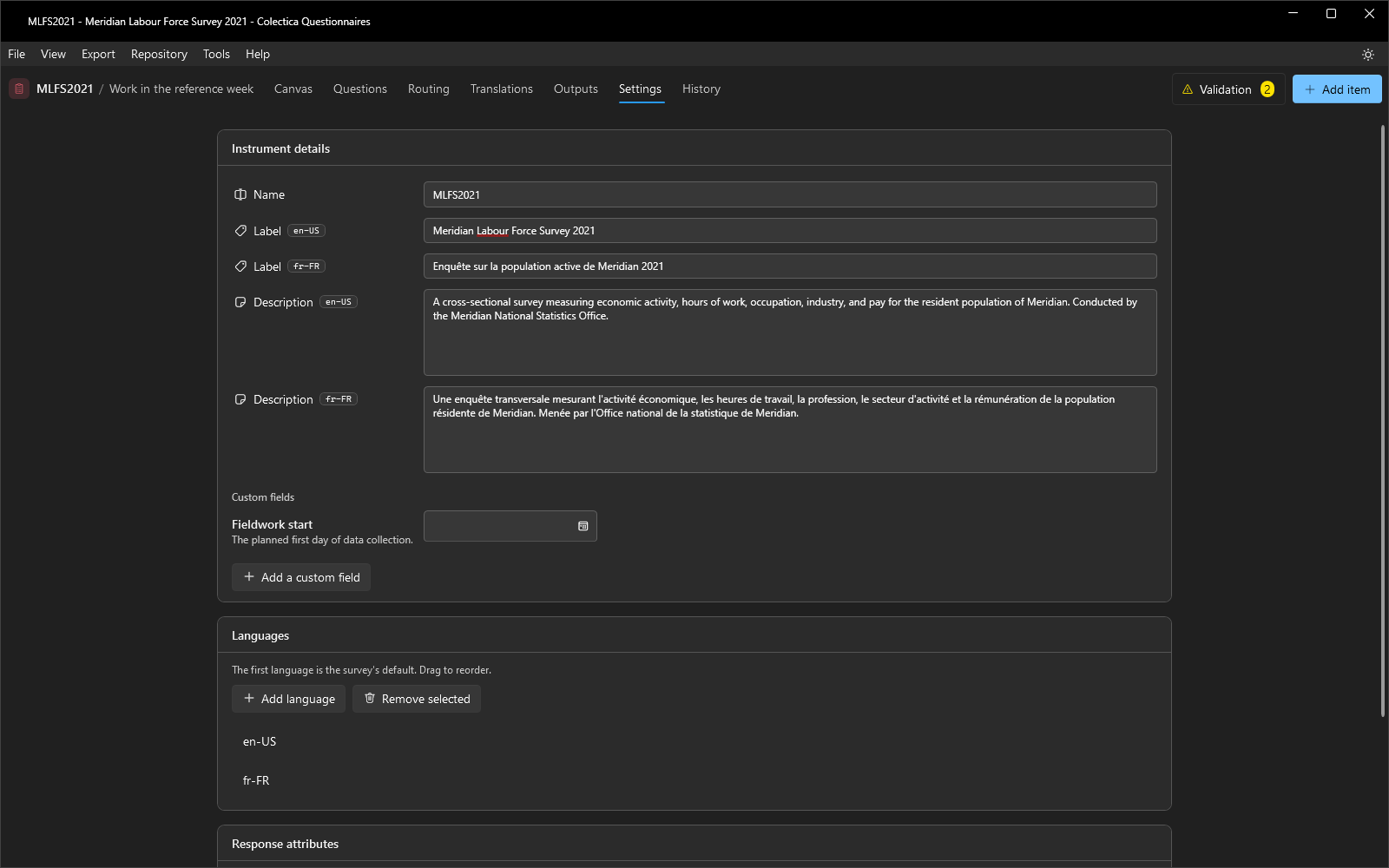
The survey’s Name, its Label and Description in every configured language, and the custom fields defined for surveys. The name appears in window titles, welcome page rows, and exports.
Languages#
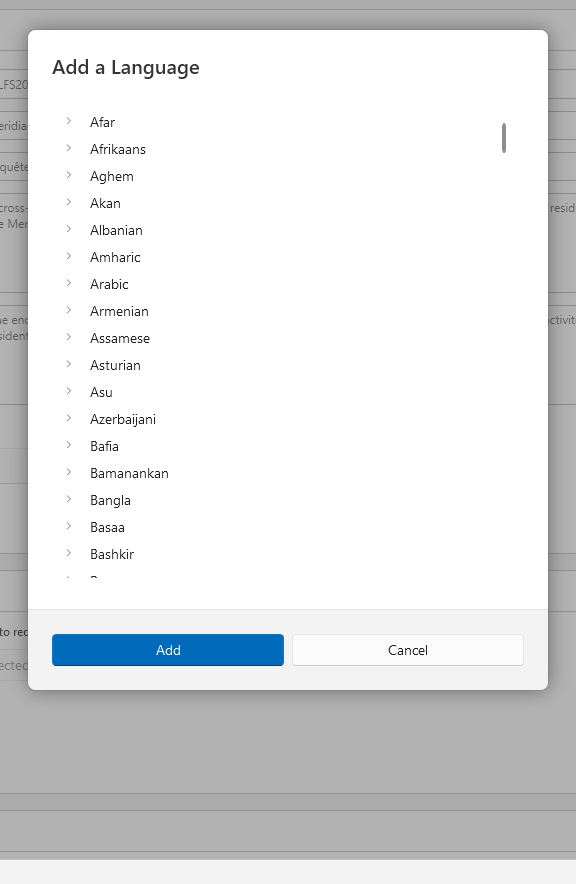
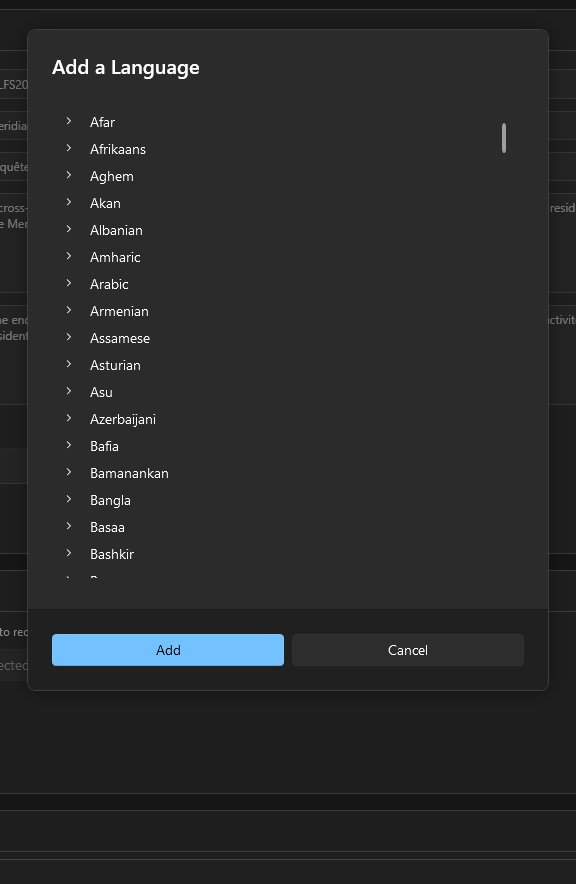
The survey’s languages, in order. The first language is the survey’s default and the source language for all translation; drag the rows to reorder. Add language opens a dialog listing cultures by name; Remove selected removes a language, though never the last one. Adding a second language makes the Translations page appear in the navigation bar.
Response Attributes#
The survey-wide answering rules: Allow Empty, Allow Don’t Know, and Allow Refused. These are the defaults for every question; a question can override them on its Attributes tab, as described in Question Editor.