
History and Compare#
The History Page#
The History page lists a survey’s versions.
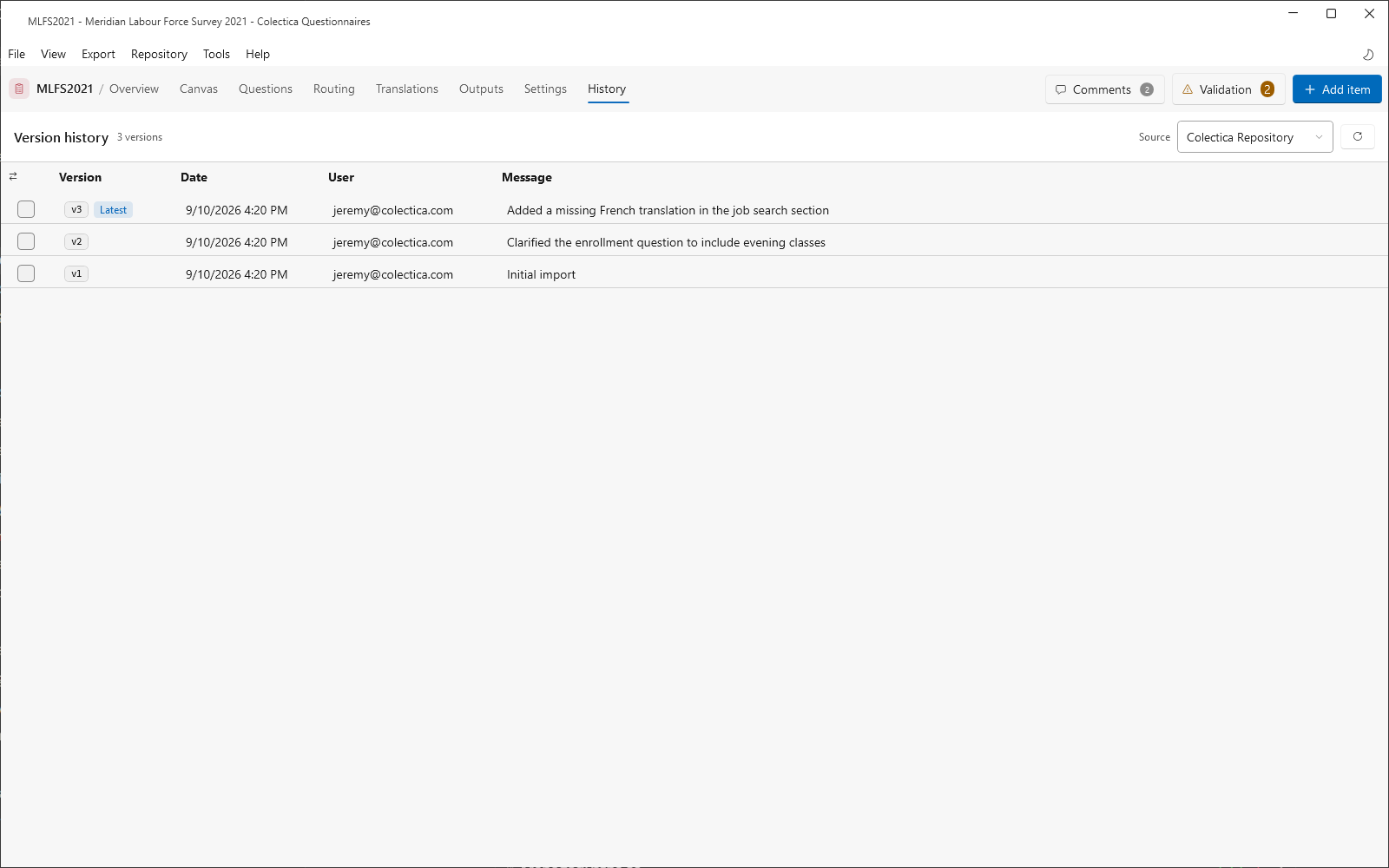
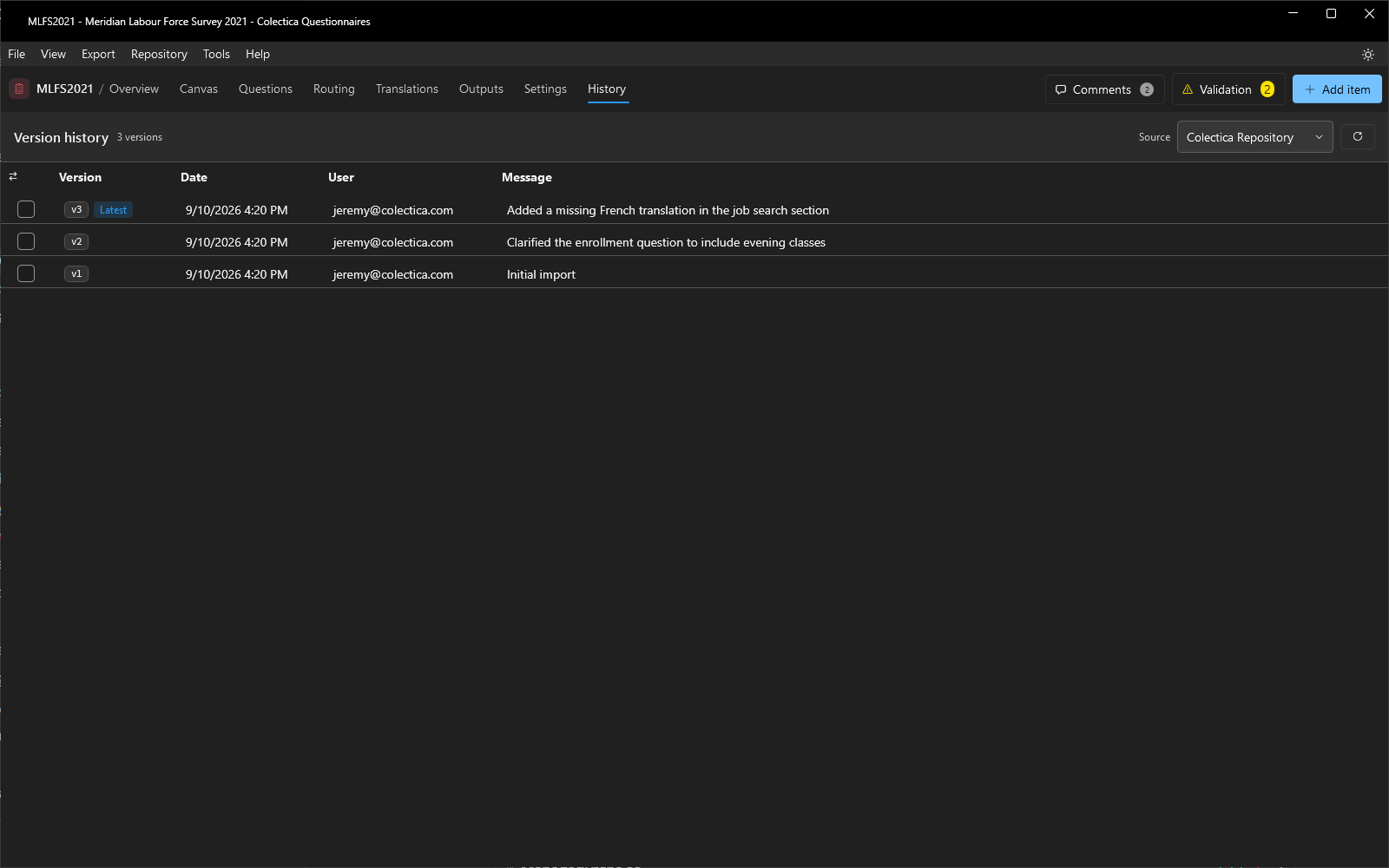
The Source dropdown selects where the versions come from: each configured repository, or This computer for the local workspace. Versions exist in a repository once the survey has been published there; local saves update the working copy in place, so the local source shows the pending version.
The table shows each Version with a Latest tag on the newest, the Date, the User, and the publish Message. Hovering over a row reveals Compare with previous. Checking two versions shows an action bar with a summary, Clear, and Compare versions.
The Compare Page#
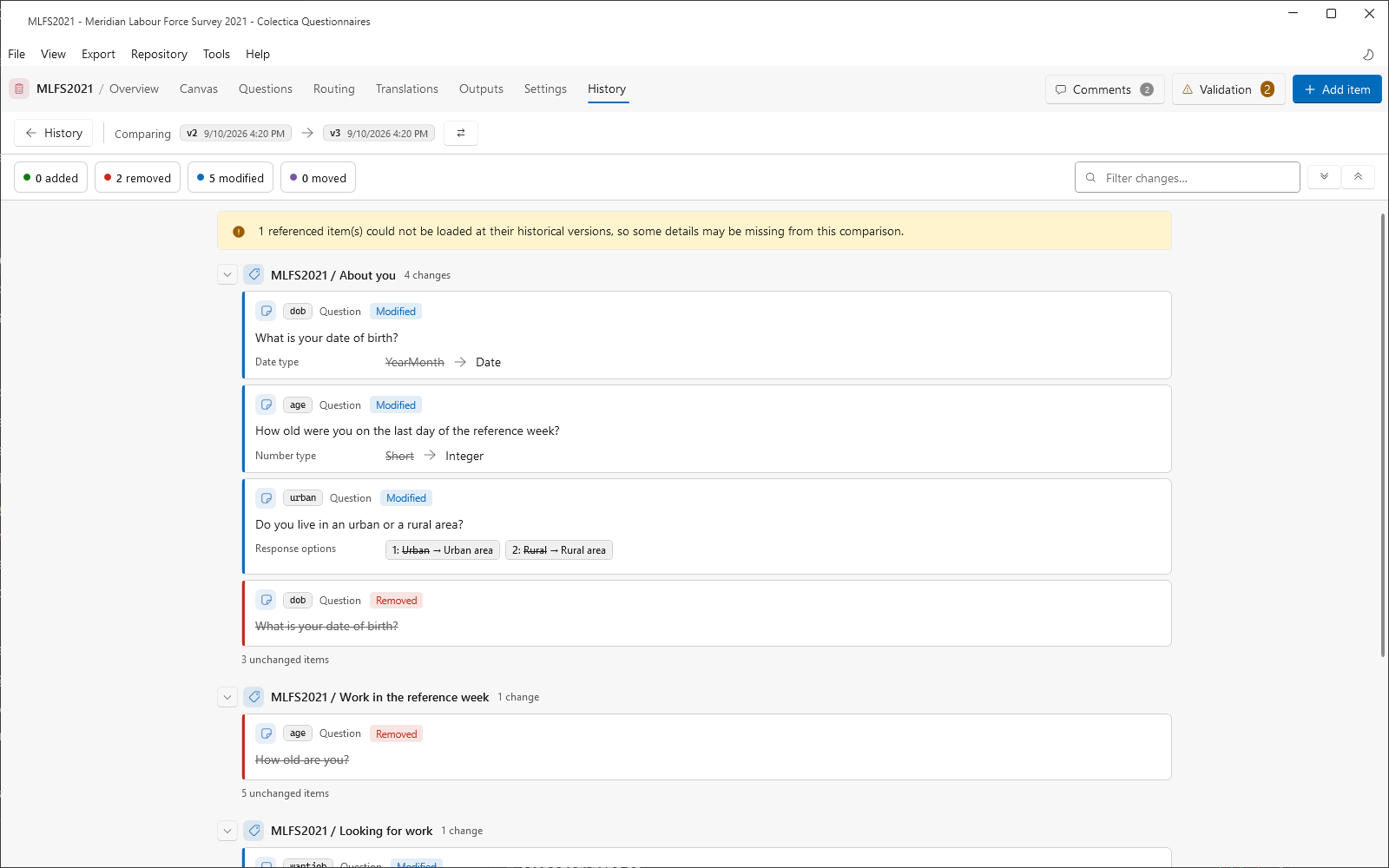
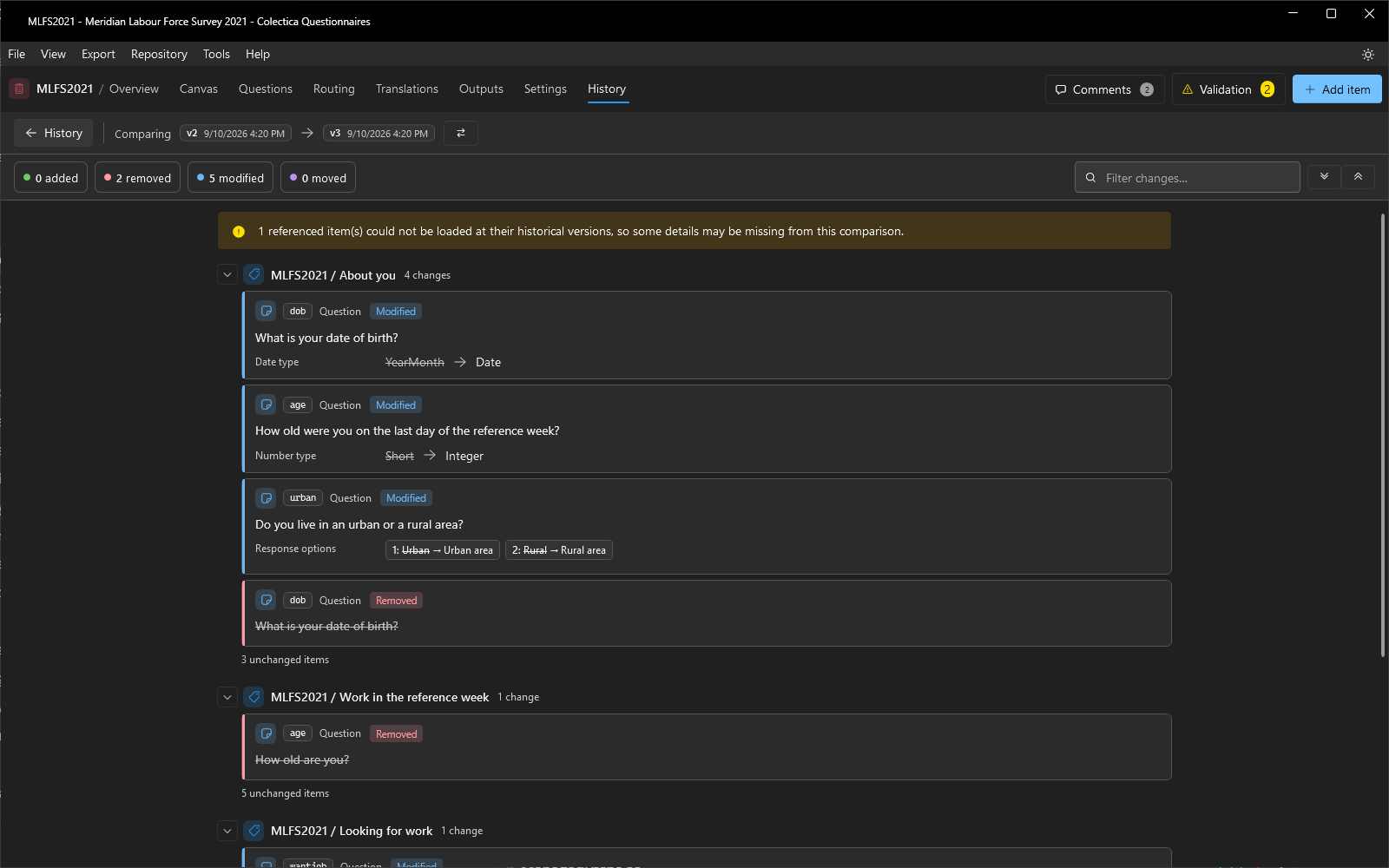
The Compare page reports the survey-level differences between two versions. The header names the old and new versions as pills, with a button that swaps them. Four toggle chips count and filter the changes: added, removed, modified, and moved. A filter box narrows the list, and expand and collapse buttons control the section groups.
The body lists the changes by section as cards. Modified text shows word-level differences inline. Renames are reported as modifications, and an item that gains or loses display logic is reported as modified, not as removed and added. When the versions are identical, the page says so.
See also
For directions, see View History and Compare Versions; for the versioning model, see How Surveys Are Stored and Versioned.