
Compute Values from Answers#
A computation derives values from responses, for example an annual cost from a monthly cost. Computed values can drive display logic, fill question text, and appear as output variables.
Create the Computation#
Open the add-item palette after the source questions and choose Computation.
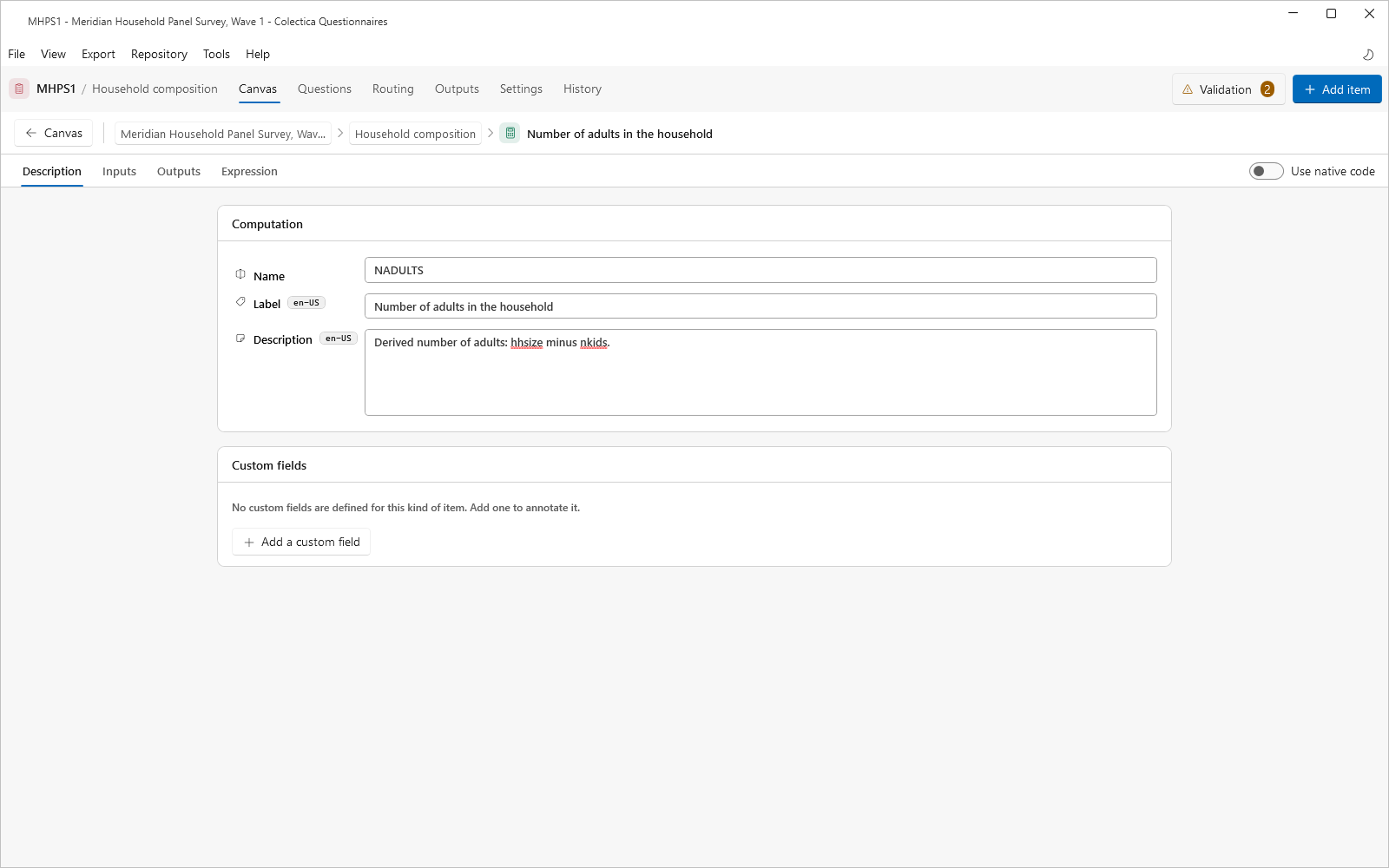
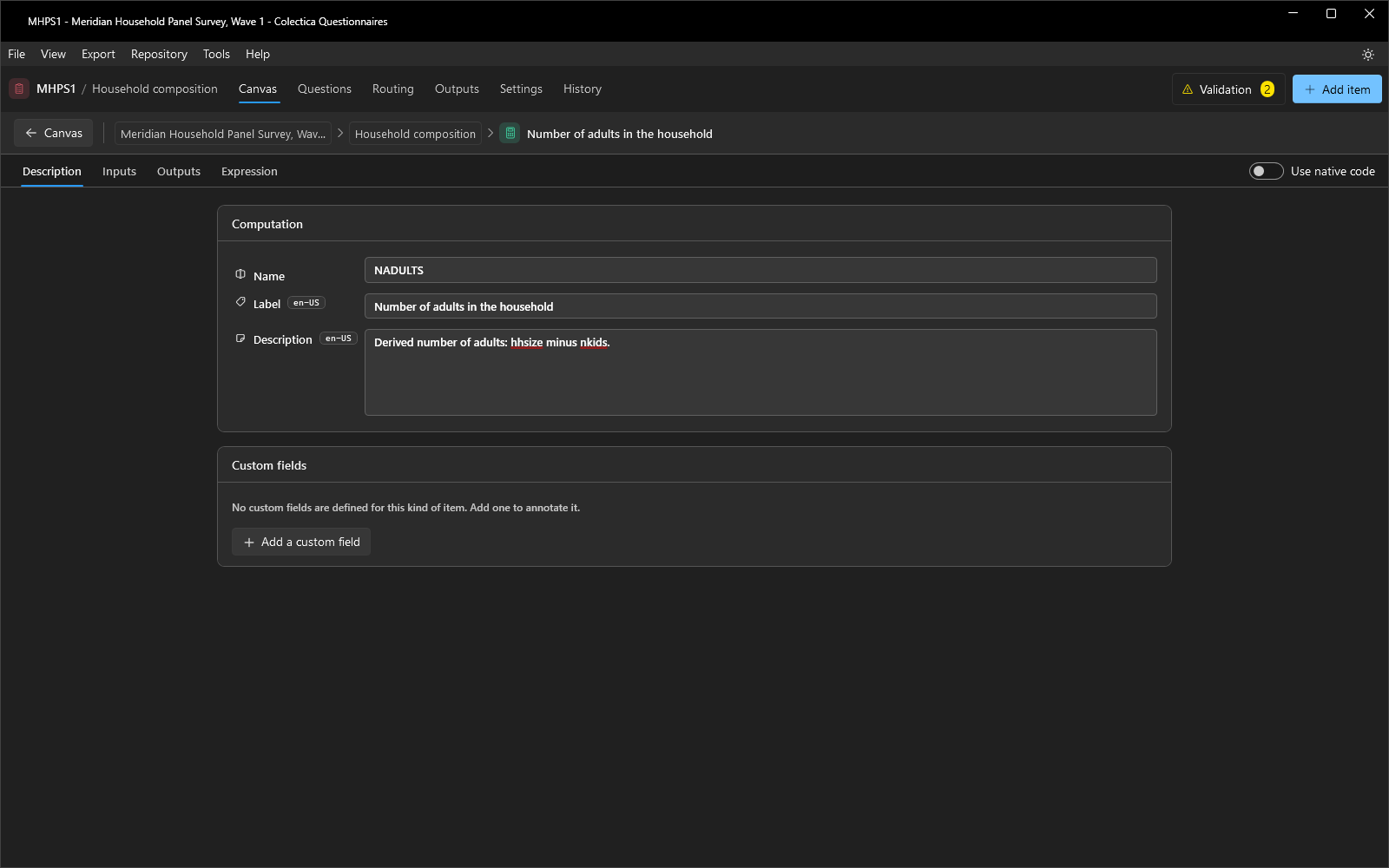
Open its editor and name it on the Description tab.
On the Outputs tab, add a field for each computed value: a Name, a Representation Type, and, for a coded value, a code list.
On the Inputs tab, declare the values the calculation consumes.
Define the Calculation#
On the Expression tab, add a step for each output field.
Choose the Function and provide a Value for each parameter; a parameter can reference an input. The function catalogue is listed in Display Logic and Expressions.
Alternatively, describe the derivation in prose on the Description tab, or turn on Use native code and write platform source on the Code tab.
Bind the Inputs#
Leave the editor and click the input indicator on the computation’s card.
In the Inputs dialog, bind each input to the earlier answer or computed value that feeds it.
Verify#
Switch to Split or Preview and answer the source questions.
Open the Scenario tray from the preview header; its Variables tab lists each computed value with its live result, and a value can be pinned there for testing.
The computation also appears as a card at its place in the preview, showing its name, its live value, and the answers it is derived from.
See also
Insert Answers into Question Text inserts computed values into question text.