
Reuse Items from a Repository#
Questions, grids, statements, and whole sections that already exist in a Colectica Repository can be inserted into a survey as shared references. A configured repository connection is required; see Connect to a Colectica Repository.
Insert an Item from the Question Bank#
Open the section that should hold the item.
Open the add-item palette and choose from the Repository group: Question, Composite Question, Descriptive Text, or Sequence. The Question bank opens, scoped to that kind of item.
Type in the search box; results appear as you type. The dropdown beside the box narrows the search to question text, names, labels, or descriptions.
If more than one repository is configured, choose one in the Repository filter. With Enable searching by agency identifiers turned on in the Settings dialog, an Agency filter appears as well.
Select a result. The pane on the right previews the item, states its repository, agency, name, version, and identifier, and lists the surveys and sequences that already use it.
Click Insert, or press Enter.
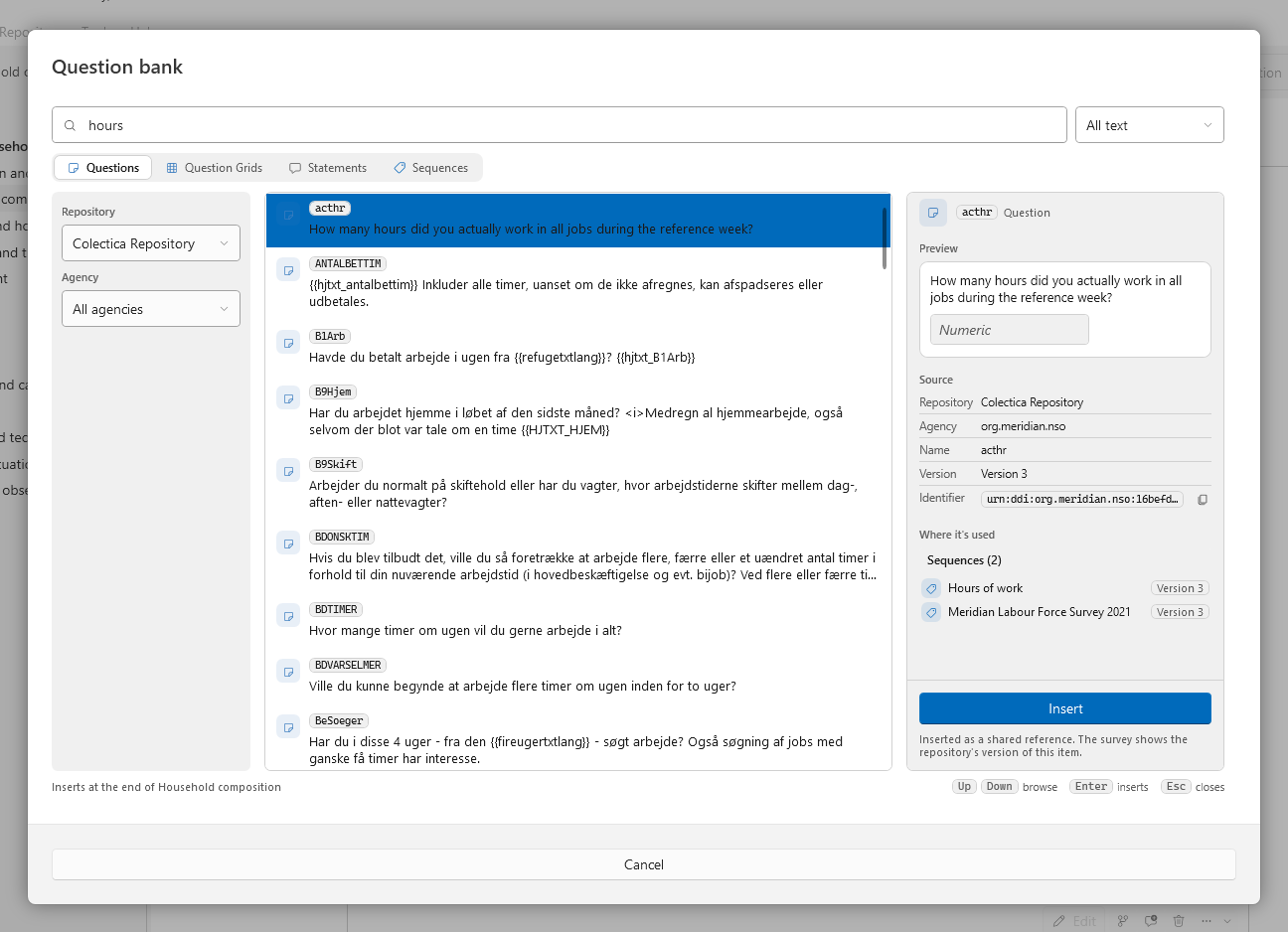
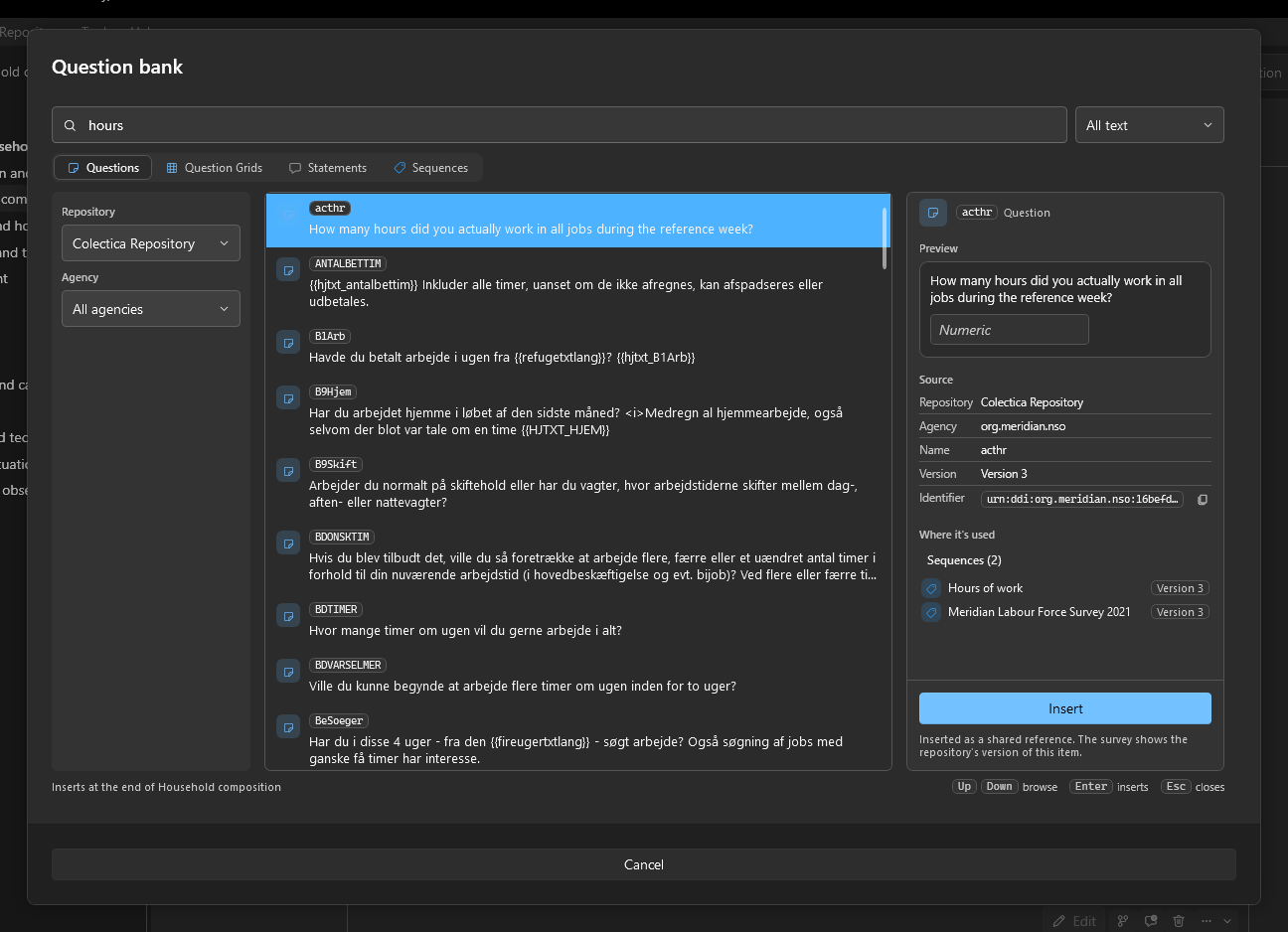
The footer names where the item will go: at the end of the current section, or at the position of the Insert an item here band the palette was opened from.
To reach one item directly, paste its identifier into the search box: a DDI URN, agency:identifier with an optional :version, or a bare identifier for an item of your own agency.
Accept a Suggested Question While Typing#
The application can search a repository while you write a new question and offer shared questions that say the same thing.
Choose Tools, then Settings…, and select Search.
Tick Suggest similar questions while writing a new question, choose the Repository to search, and, if you wish, limit the search to particular agencies.
Click Save.
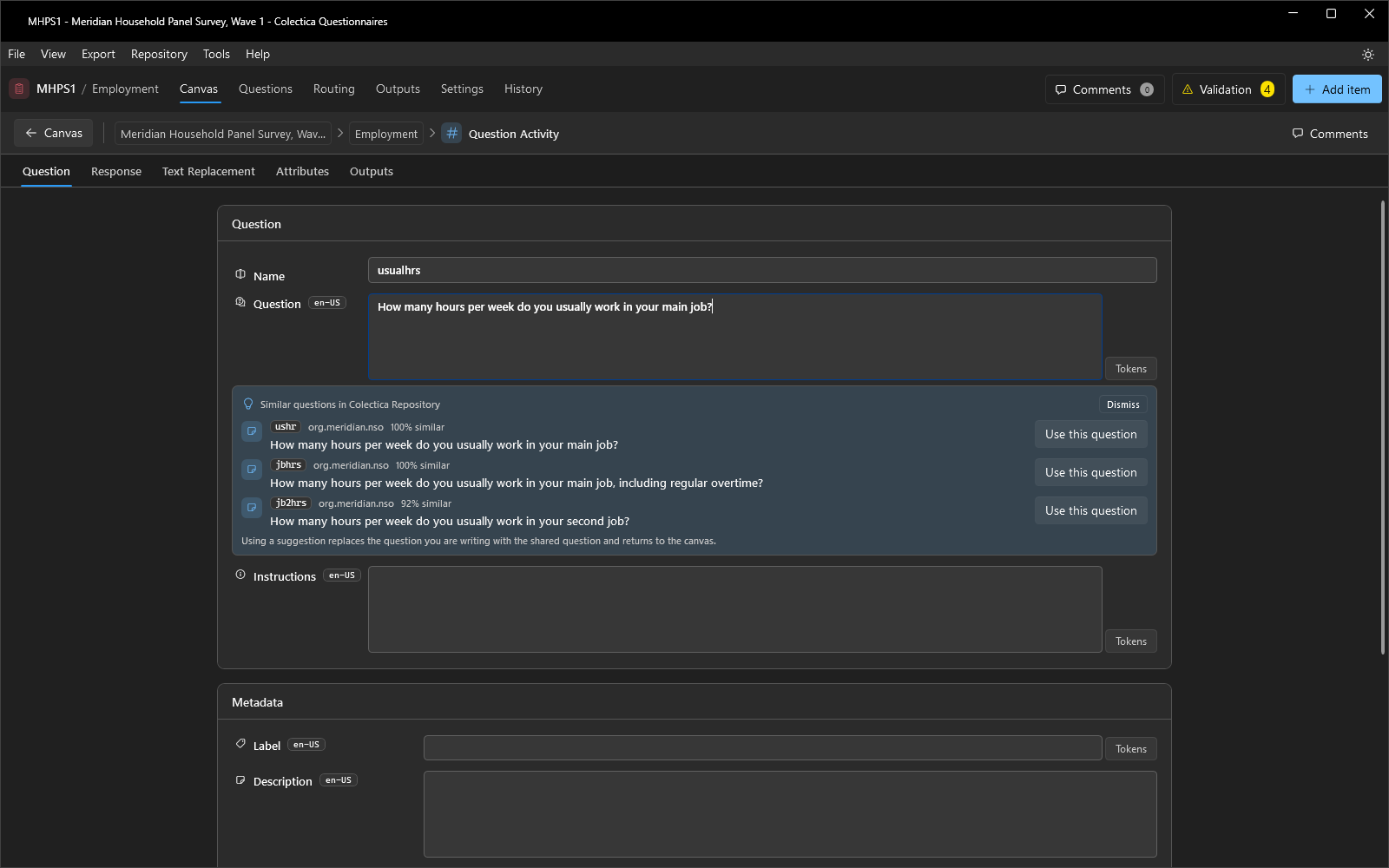
Add a question from the palette and type its text in the editor. After a short pause, a Similar questions panel under the text lists up to three matches, each with how closely it matches.
Click Use this question to replace the question you are writing with the shared one; the editor returns to the canvas. Dismiss hides the panel for this question.
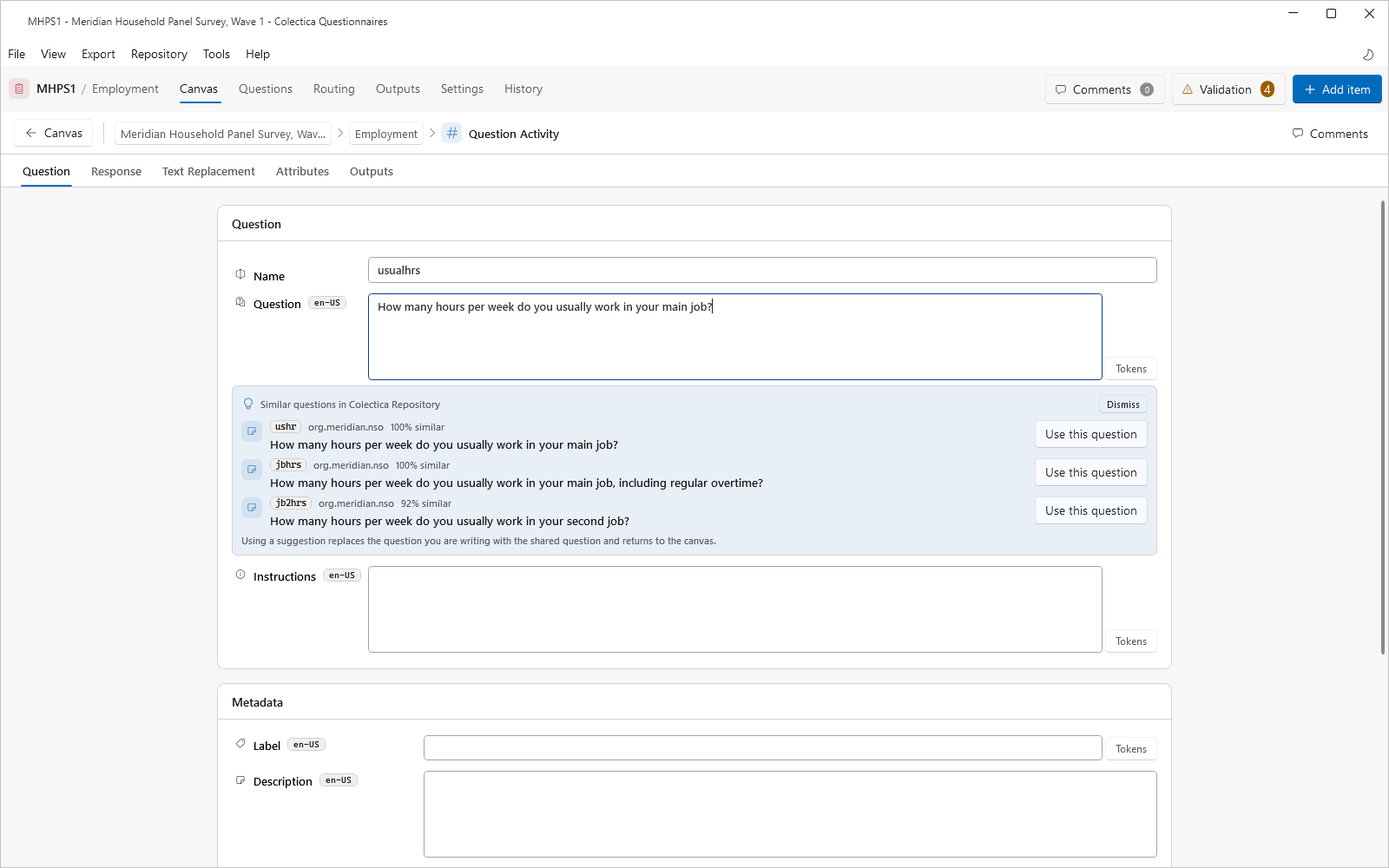
Suggestions are offered only for a question just added from the palette, never for a question that already exists.
What a Shared Reference Means#
The item is inserted by reference: your survey uses the same identified, versioned item as its source, and the card shows the repository’s version of it. When a newer version is published, the item’s card shows an Update available tag, and the Synchronize dialog can adopt it.
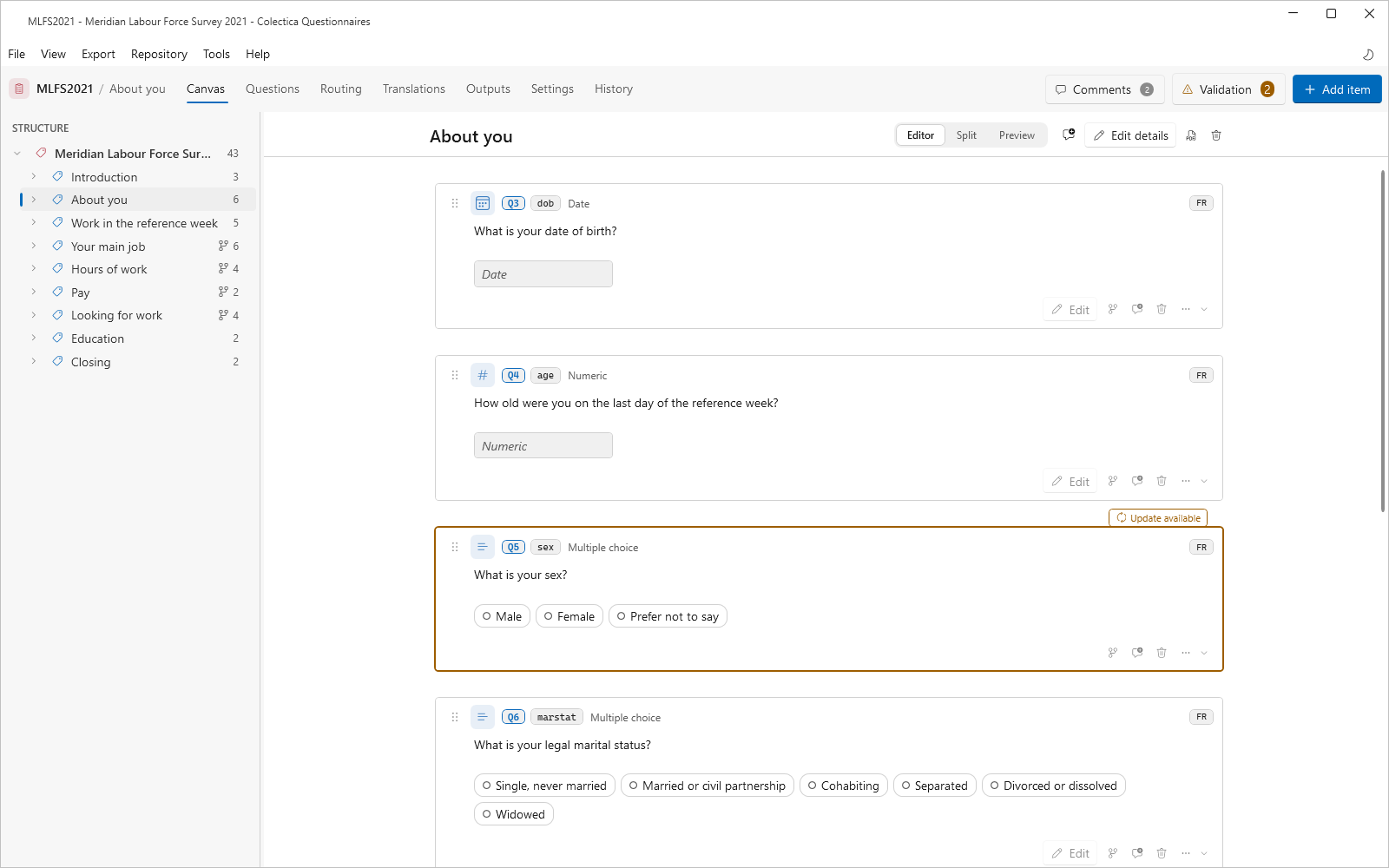
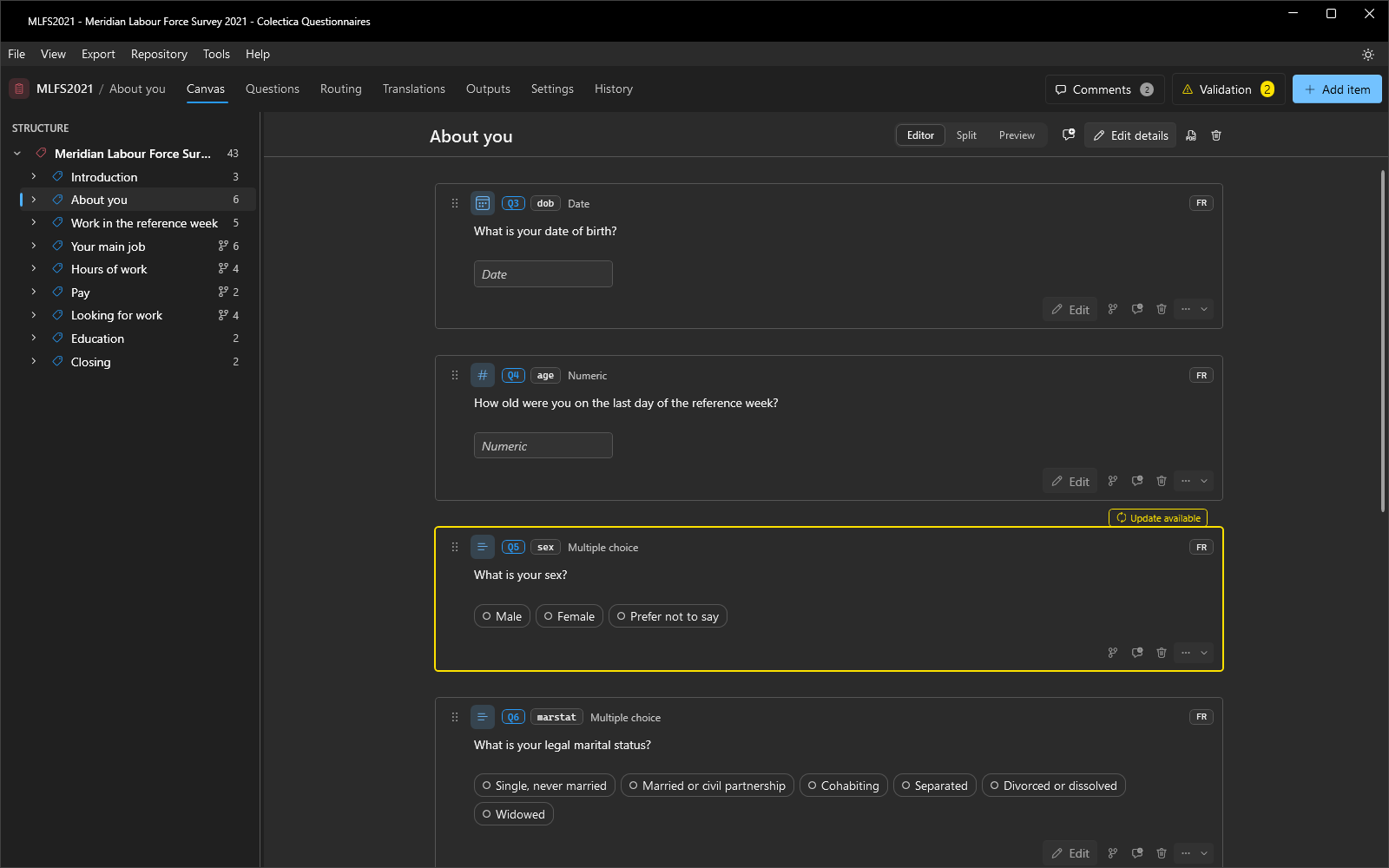
An editor for a reused item reports how many places use it; edits affect all of them. To change a reused item for this survey alone, use Replace This Item With a Copy in the card’s overflow menu.
See also
Repository Dialogs describes every control of the Question bank. How Surveys Are Stored and Versioned explains items, versions, and reuse.